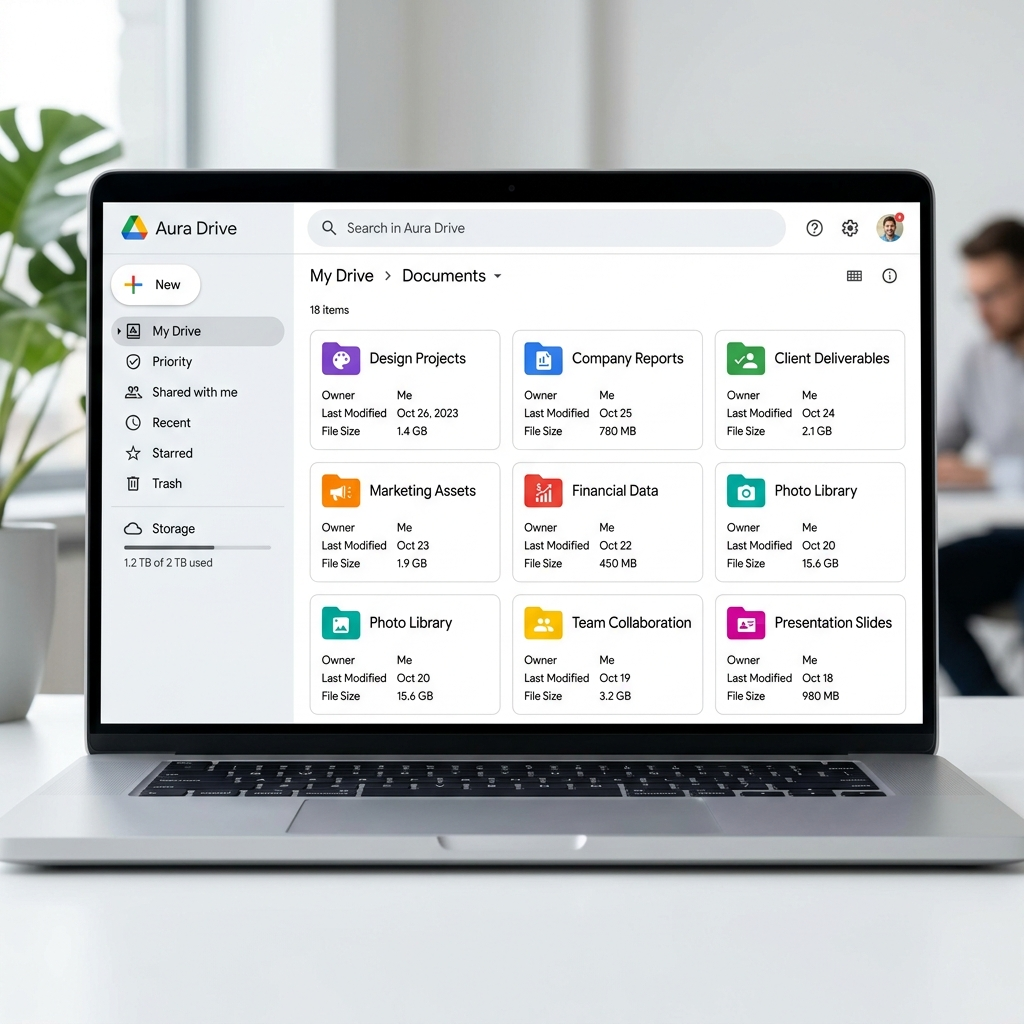
 💡 Guide
How to Automatically Organize Event Photos in Google Drive (By Guest & Time)
You can automatically organize your event photos in Google Drive by using EventSnap's new Content Organization feature. This feature routes uploads into dedicated guest or moment subfolders and applies Smart File Renaming to save every image with a chronological timestamp and guest name-completely eliminating manual file management.

Quick Answers: Organizing Event Photos
How can I automatically sort event photos by guest name?
By using EventSnap's Guest Folders feature, photos uploaded by each guest are automatically placed into their own dynamically created subfolder inside your main Google Drive folder.
Can Google Drive rename files automatically based on upload time?
Google Drive cannot do this natively. However, EventSnap's Smart File Renaming automatically renames uploaded files chronologically and by guest name before they reach your Drive.
Can the event host rename guest folders directly?
Yes. If a guest does not change their auto-generated alias, the host can change the name of the guest and their folder directly from the EventSnap dashboard.
The Chaos of Unorganized Google Drive Folders
When hosting an event, whether it's a wedding, a corporate retreat, or a milestone birthday party, collecting photos from guests is one of the most exciting parts of the aftermath. However, if you've ever set up a standard Google Drive shared folder, you know exactly what happens next. Hundreds of guests upload their files, and within hours, your meticulously created folder turns into an unnavigable digital dumping ground.
The core problem with natively collecting photos in Google Drive is two-fold. First, every guest's smartphone
assigns completely arbitrary, non-sequential names to photos (like IMG_4921.JPG or
20260412_142230.HEIC). When hundreds of these files pour into a single folder, they jumble
together. A beautiful photo of the first dance might be sandwiched between two blurry pictures of the cocktail
hour, simply because of how the files were alphabetically named by the devices.
Second, default Google Drive shared folders provide absolutely no attribution if guests don't have or use a Google account. You end up with hundreds of anonymous files. You might find a gorgeous portrait of your grandparents, but you have no idea which guest took it. This lack of attribution and chronological order makes the process of reviewing, downloading, and creating an album an absolute nightmare. The time you spend manually renaming and sorting these files can easily eclipse the time spent enjoying them.
This organizational friction is precisely why we built the brand new Content Organization suite for EventSnap Unlimited. Instead of a chaotic digital dump, EventSnap automatically structures your Google Drive folder as files arrive, sorting them by guest or timeframe, and smartly renaming every single file to ensure perfect chronological order.
Feature 1: Smart File Renaming for Perfect Chronology
The foundation of an organized event gallery is chronology. When you look back at your event, you want to see the story unfold naturally: the preparations, the arrivals, the main event, and finally, the after-party. EventSnap's Smart File Renaming makes this happen automatically without any manual intervention.
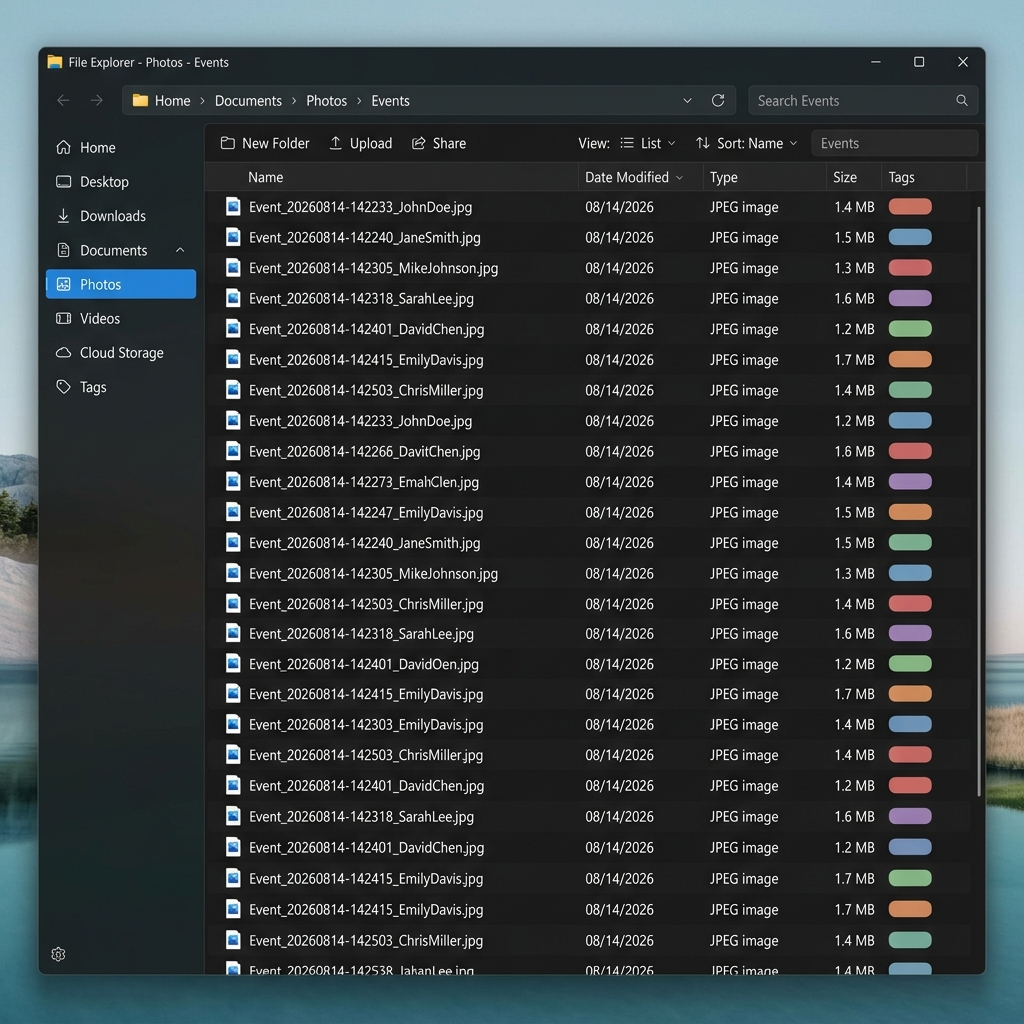
When a guest uploads a photo through your EventSnap QR code, our system intercepts the file before it reaches
your Google Drive. We strip away the useless, random default file name assigned by their camera app (like
IMG_9912.JPG). In its place, we apply a highly structured, chronological naming convention.
The new smart name follows a precise format:
EventName_YYYYMMDD-HHMMSS_GuestName_RandomID.extension. For example, if a guest named Sarah
uploads a photo at your wedding, the file will be automatically saved in your Drive as
Sofias-Wedding_20260814-142233_Sarah-Lee_4821.jpg.
Because the naming convention starts with a standardized timestamp down to the second, all you have to do is sort your Google Drive folder by "Name" (alphabetically). Instantly, every single photo and video from your entire event will be perfectly aligned in the exact chronological order they were uploaded. The inclusion of the guest's name directly in the file title also means you never have to wonder who captured a specific moment.
Feature 2: Dynamic Guest and Moment Subfolders
While Smart File Renaming solves the chronological sorting problem, some events are so large that a single folder-even a neatly named one-can still feel overwhelming. For maximum organization, EventSnap Unlimited introduces Dynamic Subfolders, operating in two distinct modes: Guest Folders and Moment Folders.
Guest Mode (Default): When this mode is active, EventSnap automatically creates a dedicated subfolder inside your main event folder for every single guest who uploads a file. If Uncle Bob uploads 15 photos, a folder named "Uncle Bob" is dynamically generated, and all his photos are routed directly into it. If your college friend Sarah uploads 5 videos, they go into a newly minted "Sarah" folder. This hierarchical organization makes it incredibly easy to thank specific guests for their contributions or find photos taken by your favorite amateur photographer.
Moment Mode: For events with distinct time frames, Moment Mode allows you to organize folders by specific segments of the event (e.g., "Rehearsal Dinner", "Ceremony", "Reception"). As guests upload photos during these timeframes, EventSnap seamlessly routes the files into the corresponding Moment folder. This ensures that your reception photos don't mix with your ceremony photos, providing a clean, segmented structure right out of the box.
Feature 3: Self-Service Guest Renaming
To make Guest Folders work flawlessly, our system assigns an auto-generated codename to guests when they first connect (for example, "Festive Otter" or "Radiant Fox"). This ensures that even if a guest doesn't immediately enter their name, their uploads are still grouped together consistently.
However, we know you want real names on your folders. That's why we've implemented Self-Service Guest Renaming. At any point during the upload process, a guest can tap their codename and enter their actual name.
When a guest updates their name, the magic happens in the background. EventSnap instantly communicates with the Google Drive API to atomically rename their dynamically created subfolder. Furthermore, as the admin host, you have full administrative power. If a guest forgets to change their codename, you can easily rename them directly from your EventSnap dashboard. This ensures your final Google Drive archive is pristine, professional, and easily navigable.
How EventSnap Compares to Default Google Drive
To truly understand the value of these new organizational features, let's look at a direct comparison of what happens when you use a standard Google Drive shared folder versus the EventSnap Unlimited plan.
| Feature | Default Google Drive | EventSnap Content Organization |
|---|---|---|
| File Naming | Random camera defaults (IMG_1234.jpg) | Chronological & Guest-attributed (Event_Date_Guest.jpg) |
| Sorting | Jumbled alphabetization | Perfect chronological timeline |
| Folder Structure | Single massive folder dump | Automatic subfolders by Guest or Moment |
| Attribution | Anonymous (if no Google account) | Clearly labeled via guest aliases and smart renaming |
As the table demonstrates, relying on default Google Drive features for event photo collection guarantees hours of manual sorting and renaming. EventSnap eliminates this entirely, saving you time and stress.
Getting Started with Content Organization
If you're ready to say goodbye to messy, disorganized event galleries, upgrading to the EventSnap Unlimited plan is the most effective solution. The Content Organization suite, including Smart File Renaming and dynamic Guest/Moment folders, is included standard with all Unlimited subscriptions.
To enable these features, simply navigate to your event dashboard, open the Settings panel, and toggle on "Smart File Renaming." You can also select your preferred Organization Mode (Guest or Moment) from the same menu. Once activated, every subsequent photo or video uploaded via your event's QR code will be flawlessly sorted, renamed, and organized directly inside your Google Drive.
Don't let the memories of your special day become a logistical burden. Let EventSnap handle the organization, so you can focus on reliving the moments. To learn more about other premium features like custom branding, be sure to check out our Wedding Photo Sharing guide or explore all the options on our Pricing page.
Ready for Perfectly Organized Memories?
Upgrade to the Unlimited plan today and let our Smart File Renaming and dynamic folders do the heavy lifting.
🎉 Upgrade to Unlimited