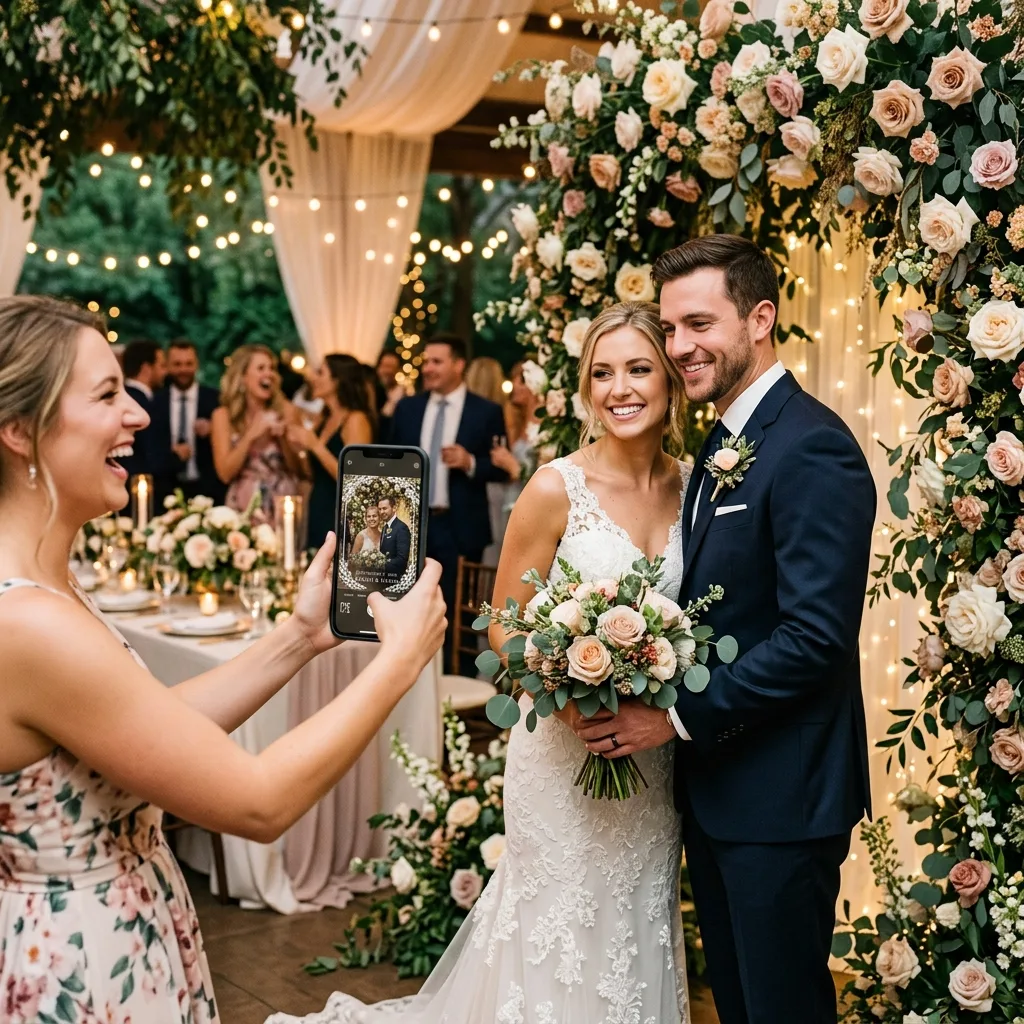
How it works
Scan the code
The same QR code you print for photo uploads. Guests open the event page in their browser and tap the Photobooth tab.
Pick a frame and a filter
Six frames and eight filters, previewed live on the camera. Front or back camera, one tap to flip.
Snap, retake, save
Guests see the shot, retake if they want, and save. Saving uploads it to your event.
It lands in your Drive
Photobooth shots sit alongside every other upload in your Google Drive folder, the gallery and the live slideshow.
Frames and filters
Designed to look good on a phone screen and in a printed album. Guests mix any frame with any filter.
Why hosts choose it over a rental
No hardware, no attendant
Nothing to deliver, plug in or staff. It is live the moment the first guest scans.
Every guest at once
A rented booth serves one group at a time. This one serves the whole dance floor simultaneously.
You keep the originals
Every shot goes to your Google Drive. Nothing expires and nothing sits on a vendor's server.
One price, not per hour
Event Plus is $16.99 one time for the whole event, including unlimited uploads and the audio guestbook.
Virtual photobooth vs a rented booth
| EventSnap virtual photobooth | Rented photo booth | |
|---|---|---|
| Cost | $16.99 one time (Event Plus) | $400 to $1,200 for 3 to 4 hours |
| Setup | Print a QR code | Delivery, power, floor space, attendant |
| Availability | All night, every guest at once | Booked hours, one group at a time |
| Where photos go | Your Google Drive, up to 1080 by 1440 px | Prints on the night, digital copies vary by vendor |
| Props and prints | Bring your own props; digital only | Props and instant prints included |
| Guest app | None | None |
Read the full cost comparison or see how it compares with other virtual booth apps.
Also in Event Plus
Audio guestbook
Guests leave voice messages from the same page. The recordings land in your Drive next to the photos.
Automatic organisation
Uploads sorted into folders per guest and per moment, with files renamed so they are searchable.
Guest names and captions
Guests can sign their uploads and add a line, so you know who took what.
Frequently asked questions
Do guests need to download a photo booth app?
No. The photobooth is a tab on the same browser page guests reach by scanning the event QR code. It uses the phone's camera through the browser, on iPhone and Android alike.
What frames and filters are included?
Six frames (Elegant Gold, Romantic Vine, Cinematic, Floral, Minimal Glass and Polaroid) and eight filters (Original, Black and White, Sepia, Vivid, Cool, Warm, Fade and Drama). Guests pick a frame and a filter, see the result live, take the photo, and can retake before saving.
Where do the photobooth photos go?
Into the same Google Drive folder as every other upload for the event, captured at up to 1080 by 1440 pixels. They also appear in the event gallery and the live slideshow.
Which plan includes the virtual photobooth?
Event Plus ($16.99 one time) and Unlimited ($19.99 per month). Single Event and the free Starter plan include regular photo and video uploads but not the photobooth or the audio guestbook.
Can guests use the front and back camera?
Yes. A flip button switches between the selfie camera and the rear camera, so groups can use the better lens.
Is this a replacement for a rented photo booth?
For most weddings and parties, yes. A rented booth costs $400 to $1,200 for a few hours, needs floor space, power and an attendant, and produces prints for the guests who queue. The virtual photobooth works from every guest's pocket all night, and every photo lands in your Drive. If you want physical prints and props on the night, a rental still has a place.
Add a photo booth to your event in a minute
Create the event free, then upgrade to Event Plus when you are ready. No rental, no app, every photo in your Drive.
Create your free event