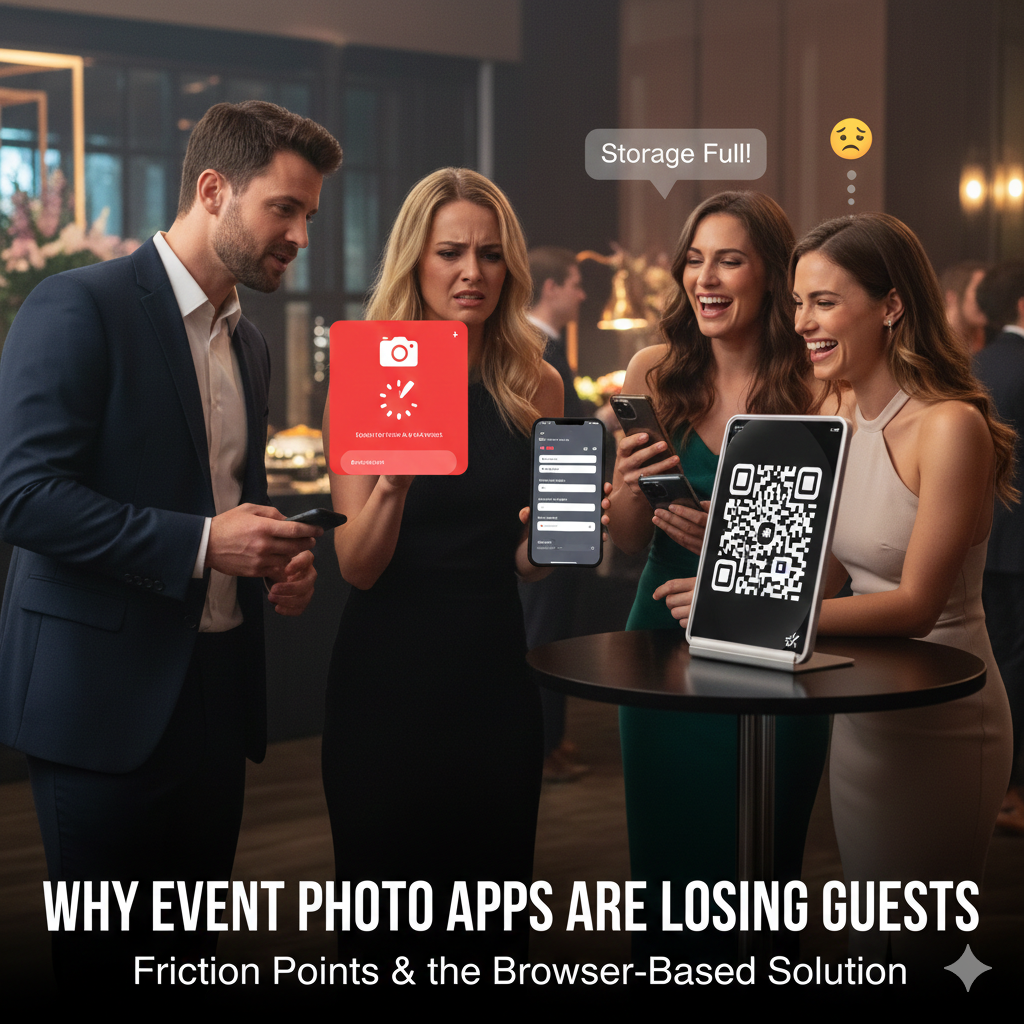
 📸 Comprehensive Guide
The Ultimate 2026 Guide to Wedding Guest Photo Sharing: Collect 500+ Photos with Zero Apps

The secret to collecting 500+ guest photos at a wedding without app downloads is using a QR code platform connected to your Google Drive. Guests scan a sign at your reception and upload full-resolution photos directly in their mobile browser with zero friction.
Quick Answers: 2026 Wedding Photo Sharing
What is the safest way to share wedding photos?
The safest way to share wedding photos is through a decentralized, unhosted platform that routes high-resolution media directly to a personal Google Drive, ensuring end-to-end data ownership and eliminating third-party server storage.
How to collect wedding photos from guests without an app?
The most effective way to collect wedding photos without an app is by using a specialized QR code platform that connects directly to your Google Drive. Guests scan the QR code and instantly upload their photos straight from their mobile browser, eliminating the friction of downloading software.
Every couple wants to see their wedding from their guests' perspective. The candid moments, the dance floor selfies, the cocktail hour laughs, and the unexpected interactions that the professional photographer might have missed while capturing the formal portraits. But traditionally, collecting these photos from guests has been a logistical nightmare involving complex hashtags, messy group chats, and "I'll send it to you later" promises that never materialize.
In 2026, the landscape of wedding photo sharing has evolved dramatically. Guests are fatigued by downloading single-use apps, and couples are exhausted from chasing down links. The secret to getting 500+ photos isn't nagging your guests-it's removing friction completely.
This comprehensive guide will break down the history, the evolution, and the absolute best practices for modern wedding guest photo collecting. We will explore why old methods fail, how the psychology of your guests works, and introduce the ultimate solution for 2026 and beyond.
Chapter 1: The Evolution of Wedding Photo Sharing
Understanding where we are requires understanding where we've been. The methods of collecting guest memories have changed as technology has advanced, but many couples still mistakenly rely on outdated concepts.
| Collection Method | App Needed | Guest Participation | Photo Quality | Privacy & Ownership |
|---|---|---|---|---|
| Social Media Hashtags | Yes (Instagram) | Low (20-30%) | Compressed | Public profile block |
| Custom Mobile Apps | Yes (App Store) | Low (15-25%) | Variable | App server storage |
| EventSnap Zero-App QR | No (Web Browser) | High (75-90%) | Full 4K Uncompressed | Your Private Google Drive |
1.1 The Era of Disposable Cameras (1990s-2000s)
Nostalgia aside, placing disposable cameras on every table was the original "user-generated content" strategy. The charm was undeniable, but the reality was often disappointing. Couples spent hundreds of dollars on development, only to receive blurry photos of the ceiling, half-cut faces, and maybe three usable shots per camera.
- Pros: Nostalgic, physically tactile, fun for guests in the moment.
- Cons: Incredibly expensive to develop, zero quality control, delayed gratification (waiting weeks to see the photos).
1.2 The Wedding Hashtag Generation (2010s)
With the rise of Instagram, the wedding hashtag (e.g., #SmithsTieTheKnot2015) became ubiquitous. Couples would put the hashtag on signs, menus, and napkins, hoping guests would tag their photos.
Why hashtags are dead in 2026:
- Private Profiles: If a guest's Instagram profile is private (which is the case for the majority of users today for privacy reasons), their photos will not appear under the public hashtag feed. You simply won't see them.
- Algorithm Changes: Social media platforms no longer index hashtags chronologically in a reliable way, making it difficult to view the wedding as a cohesive album.
- Compression: Social media severely compresses image quality. You cannot print a photo saved from an Instagram feed in high quality.
- Ephemeral Content: The shift toward Instagram Stories and TikTok means that content disappears after 24 hours. If you don't save it immediately, it's gone forever.
1.3 The Era of Dedicated Apps (Late 2010s - Early 2020s)
Tech companies recognized the failure of hashtags and introduced dedicated wedding photo apps (like The Guest by The Knot, WedShoots, etc.). The pitch was simple: "Have your guests download this app, and every photo they take will automatically sync to your album."
The fatal flaw of the App Era: Download Friction.
We are currently experiencing peak "app fatigue." Asking a guest who is dressed up, mingling, and holding a cocktail to go to the App Store, download a 50MB application, create an account, verify their email, and grant camera permissions is an insurmountable barrier. Data shows that less than 15% of guests will actually go through this process.
Chapter 2: The Modern Solution - The Zero-Friction approach
If disposable cameras are too expensive, hashtags don't work, and apps cause too much friction, what is the solution for 2026? The answer lies in the Zero-Friction Web Model.
The core philosophy of the Zero-Friction approach is this: The technology must adapt to the guest's natural behavior, not force the guest to adapt to the technology.
2.1 QR Codes and Browser-Based Uploads
Since the pandemic, QR code literacy has reached 100%. Everyone knows how to point their smartphone camera at a code. The modern photo sharing solution leverages this universal behavior.
Instead of leading to an App Store download, the QR code must open a lightweight, highly optimized web page (HTML5) directly in the guest's default mobile browser (Safari or Chrome). The interface should have a single, massive button: "Upload Photos." No login required. No account creation. No password hurdles.
2.2 The "EventSnap" Paradigm Shift: Directly to Google Drive
While several platforms now offer QR code web uploads, a new fundamental issue has emerged: Data Ownership and Storage Limitations.
Many modern platforms act as expensive middlemen. They host your photos on their private servers, charge you a premium, and often include hidden clauses in their Terms of Service stating that your gallery will be deleted after 12 months unless you pay an ongoing subscription fee.
This is where EventSnap changes the game.
EventSnap operates on a radical premise: "Don't rent your memories. Own them." Instead of storing your photos on an arbitrary server, EventSnap integrates directly with your personal Google Drive.
- The Setup: The couple authenticates their Google account. EventSnap creates a dedicated folder in their Drive.
- The Guest Experience: The guest scans the QR code and selects photos.
- The Magic: The photos are routed through EventSnap's secure upload flow and delivered directly, instantly, and in original high resolution straight into the couple's Google Drive folder.
Why is this integration critical?
- Lifetime Storage for Free: You already use Google Drive. Your photos won't disappear after a year. You don't have to scramble to download a massive ZIP file before a deadline.
- Instant Access & Sharing: You can literally see photos appearing in your Drive folder while you are sitting at the sweetheart table. You can share that Drive folder with a single link to your family the next morning.
- Impenetrable Privacy: Google's enterprise-grade security protects your files. There is no risk of a startup going out of business and losing your data.
Chapter 3: Strategic Blueprint - How To Collect 500+ Photos
Now that you understand the technology (use a zero-friction QR code system that syncs to Google Drive), let's discuss the strategy. Technology alone won't get you 500+ photos; you need a psychological approach to guest engagement.
Step 1: The "No-App" Rule Enforced
As discussed, this is the foundation. When selecting your vendor, absolutely ensure that guests do not need to download an app or create an account. With EventSnap, the guest simply scans and uploads. It takes 15 seconds from start to finish.
Step 2: Strategic QR Code Placement (The "Idle Hands" Theory)
A single sign near the entrance guestbook is not enough. You must place QR codes at "friction points"-places where guests are standing idle, holding their phones, waiting for something.
- The Bar: This is the #1 location for QR code scans. Guests waiting 3 minutes for a cocktail will instinctively pull out their phones. A small sign on the bar saying "While you wait, upload your favorite shot of the couple!" works wonders.
- The Dinner Tables: Place a small, elegant card at every place setting or in the center of the table. "Help us capture the love! Scan to share."
- The Bathrooms: Yes, really. Mirror selfies are guaranteed, especially during the later hours of the reception. A discrete sticker on the mirror captures pure candid gold.
- The DJ Booth / Projection Screen: If you have screens, periodically project the QR code alongside a live slideshow of incoming photos.
Step 3: Gamify the Experience (The Photo Scavenger Hunt)
If you just say "upload photos," guests might upload two or three selfies and stop. To hit the 500+ mark, you need to give them a mission. Gamification drives engagement.
Leave a "Photo Scavenger Hunt" card on each table with a specific list of moments to capture. Example prompts:
- 📸 Find someone laughing so hard they are crying
- 📸 Capture the wildest dance move of the night
- 📸 Take a selfie with someone you just met today
- 📸 Catch a candid moment of the Bride's parents
- 📸 The best looking cocktail at the venue
- 📸 A close-up of the intricate table decor
When guests have a mission, especially the younger crowd or teenagers at the wedding, they turn into your personal paparazzi.
Step 4: The Immediate Gratification Loop (Live Slideshows)
Nothing encourages photo uploads more than seeing those photos appear on a big screen 30 seconds later. If your venue supports it, set up a live slideshow. When a guest uploads a photo via EventSnap, and it hits your Google Drive, you can easily stream that folder to a screen.
When guests see their friends appearing on the wall, it triggers a viral loop: "I want my photo up there too!"
Step 5: The "Next Morning" Digital Nudge
The party is over, but the opportunity to collect photos is not. The morning after the wedding is the most critical window. This is when everyone is laying in bed, scrolling through their camera roll, deleting the bad ones, and editing the good ones.
Send a quick, automated text or email to your guest list with the direct upload link: "We're heading to the airport for our honeymoon! We are so grateful you celebrated with us. Please take 2 minutes to upload your favorite snaps from last night so we can look at them on the plane!"
This single, well-timed digital nudge can safely double your total photo count.
Chapter 4: The Invisible Work - Dealing with Large Files and Videos
Collecting photos is one thing, but in 2026, you want the videos. The speeches, the first dance, the crazy moments on the dance floor. Videos are massive file sizes.
The Problem with iMessage and WhatsApp
If a guest texts you a video of your first dance via SMS or WhatsApp, the platform aggressively compresses it. A crisp 4K video shot on an iPhone 15 Pro gets reduced to a pixelated blur to save bandwidth. You cannot use these compressed videos for a professional highlight reel.
The EventSnap Advantage for Video
Because EventSnap routes directly to Google Drive, it sidesteps these compression algorithms. Guests can upload massive 4K video files, and they arrive in your Drive in their original, uncompressed, pristine glory. You get the raw files, exactly as the camera sensor captured them.
Chapter 5: Why "Free" Shared Albums Often Fail
You might be thinking, "Well, EventSnap connects to Google Drive... why don't I just create a Shared Folder in Google Drive or Google Photos and give my guests the link for free?"
This is the most common pitfall couples encounter. Here is why it fails astronomically:
The Login Barrier
If you share a standard Google Drive or Google Photos link and ask someone to upload, Google requires that person to be logged into a Google Account. Read our full analysis on why shared folders fail at weddings.
While you might be logged in on your laptop, think about your guests' mobile devices. If they open the link in Safari on an iPhone, they are likely not authenticated. They are met with a Google Sign-In screen. They have to remember their password. They might need to do Two-Factor Authentication. 60-70% of your guests (especially older relatives) will hit this login screen, get confused, and give up entirely.
EventSnap solves this paradox. It provides the secure backend of your Google Drive, but creates a seamless, login-free frontend for the guest. The guest authenticates through EventSnap's secure API connection, allowing them to deposit files into your Drive without ever needing their own account.
Conclusion: Your Memories, Forever
Your wedding day goes by in a flash. The professional photographer will capture the beautiful, staged moments and the key events, but the soul of the party lives on your guests' phones.
To capture that soul, you must eliminate all friction. Abandon the hashtags. Reject the complicated apps. Avoid the login screens of standard shared folders.
By implementing a zero-friction QR code system, placing the codes strategically, gamifying the experience, and ensuring the data routes directly to your personal Google Drive for permanent, uncompressed storage, you are guaranteed to wake up the next morning to an overwhelming, joyful avalanche of 500+ memories.
Deep Dive: Want to learn the technical philosophy behind true data ownership? Read our definitive 2026 guide: Why You Should Never Rent Your Memories: Permanent Photo Storage Guide to ensure you never fall into an app deletion trap.
Ready to capture every moment?
Don't let your wedding memories get stuck on your friends' camera rolls or held hostage by expensive platforms. Start with a free 50-photo event today.
🎉 Create Your Free Event Setup in 60 Seconds