 🔒 Data Ownership Guide
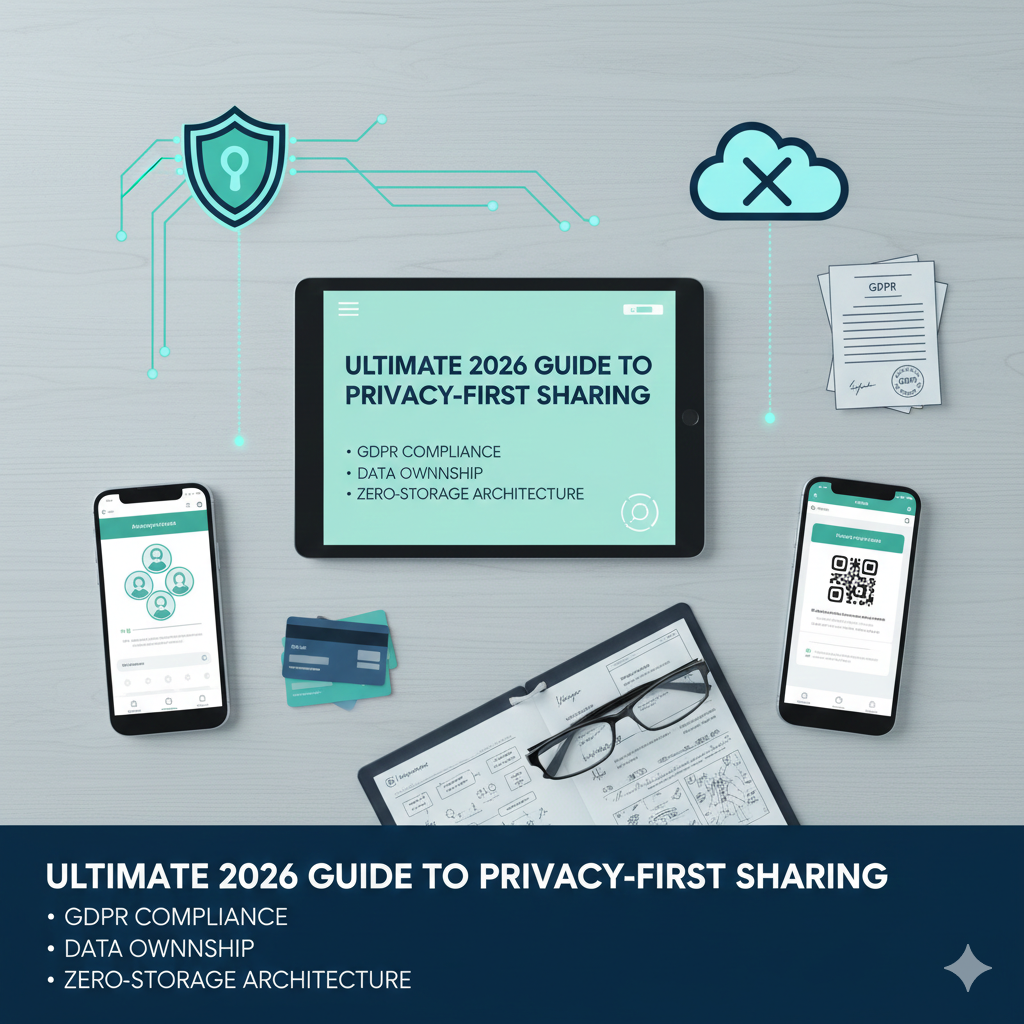
The Ultimate 2026 Guide to Privacy-First Event Photo Sharing & Long-Term Storage

Quick Answers: Privacy-First Event Photo Sharing
What is the most private way to share event photos?
EventSnap is the most privacy-focused option. Photos are routed through EventSnap's secure upload flow into a private folder in your Google Drive. EventSnap does not permanently store, view, or retain your photos.
Do photo sharing apps store my event photos?
Most apps do. GuestPix, Kululu, WedUploader, and similar services permanently store photos on their own servers. EventSnap is different, photos are routed to your personal Google Drive, and EventSnap does not permanently retain any media files.
When you're caught up in the stress of planning a wedding, a corporate gala, or a milestone birthday, it's easy to overlook the fine print. You find an app that lets guests scan a QR code to upload photos, pay the $100 fee, and check it off your list.
But in 2026, a massive shift is happening. Consumers are realizing that the "easy" event photo apps are built on a terrifying business model: holding your memories hostage.
This guide will walk you through the hidden dangers of popular photo-sharing platforms, the truth about data retention policies, and how to guarantee your photos belong to you forever.
The "12-Month Deletion" Trap
The most popular wedding photo sharing platforms (like GuestPix, Wedibox, and Kululu) share a common backend problem: server costs. Because they host your massive 4K video files and thousands of high-resolution photos on their own private Amazon AWS servers, it costs them money every single month to keep your memories alive.
How do they solve this? Aggressive deletion policies.
If you read their Terms of Service, you will find clauses stating that your gallery will be permanently deleted 6 to 12 months after your event date. Once the party is over, the countdown begins.
You are forced into a stressful race against the clock to figure out how to securely download 50 gigabytes of ZIP files to a local hard drive before the company wipes your wedding from their servers forever.
Red Flag #2: "We Reserve the Right to Use Your Photos"
Storage isn't the only concern. Data mining is the new oil. Many "free" or low-cost event apps claim a perpetual license to use your uploaded content for their own marketing, or worse, to train artificial intelligence models.
That hilarious, candid video of your grandfather on the dance floor? You might have unwittingly legally consented to let a tech startup use it in a Facebook ad.
The Golden Rule: Data Sovereignty
The only way to be 100% sure of your privacy and the longevity of your memories is through Data Sovereignty-you must host the data yourself from day one.
This is why EventSnap was built on a radical "Bring Your Own Storage" model. We don't want your data. We don't want to host it, we don't scan it, and we definitely don't want to hold it hostage.
How EventSnap Protects Your Future
Instead of acting as an expensive middleman server, EventSnap acts as a secure software bridge.
- Secure Transfer: When a guest uploads a photo via an EventSnap QR code, it is routed through EventSnap's secure upload flow into your personal Google Drive folder.
- No Permanent Storage: EventSnap does not permanently store, browse, sell, or train on your uploaded media. Only operational metadata is retained for dashboard tracking.
- No Deletion Timers: Because the files live in your Google Drive, they follow Google's rules. As long as you maintain your Google account, those photos will be there in 30 years. No panic-downloading required.
- You Control Access: The folder lives in your Drive ecosystem. If you want to revoke a guest's viewing access, you simply change the Google Drive permissions.
Checklist for a Privacy-Safe Event in 2026
- Check the Deletion Policy: Ask the vendor point-blank: "When do you delete my files?" If the answer is anything other than "never," walk away.
- Check the Terms: Do you retain copyright? Is there a clause for AI training?
- Check the Storage Architecture: Where do the files actually live the moment the guest hits upload?
- Use Trusted Ecosystems: Relying on the enterprise-grade security of Google Drive is infinitely safer than trusting a random startup's proprietary server infrastructure.
Your memories are your most valuable asset from your event. Stop renting them from startups. Start owning them.
Deep Dive: Want to learn the technical philosophy behind true data ownership? Read our definitive 2026 guide: Why You Should Never Rent Your Memories: Permanent Photo Storage Guide to ensure you never fall into an app deletion trap.
Secure your memories forever.
Don't let a 12-month deletion timer hold your wedding photos hostage. Route every guest photo directly into your Google Drive.
🔒 Create Your Private Event