 📸 Event Photography
How to Organize the Perfect Group Photo at Event Celebrations

Organizing a successful group photo at event gatherings requires strategic timing right after the main arrivals, clear staging instructions using tiered levels or natural lighting, and a frictionless photo collection system like EventSnap's QR codes to ensure every guest's capture is saved instantly in full resolution directly to Google Drive.
Quick Answers: Group Photo at Event
What is the best way to collect a group photo at event?
The best way to collect all guest photos is using a browser-based QR code platform like EventSnap. Guests scan the code and upload their captures directly to your Google Drive in high resolution without downloading an app.
How do you coordinate a large group photo?
Plan the photo early in the event when energy is high. Stage the crowd using steps or natural seating, and have a designated coordinator or MC guide the guests before scanning a QR code to share their candid angles.
Do guests need an account to share their photos?
No. Unlike Google Photos or other apps that require a sign-in, EventSnap allows guests to upload directly via their mobile browser with a single tap, bypassing login walls entirely.
The Logistics of a Group Photo at Event Celebrations
Gathering dozens or hundreds of guests for a single group photo at event parties is a classic planning challenge. Whether you are hosting a wedding, a milestone family reunion, or a corporate summit, group shots are the most highly valued keepsakes. They document the exact collection of people in attendance, preserving a visual record of a shared moment in time.
Unfortunately, executing this moment successfully is easier said than done. The challenges of coordinating a group photo at event gatherings usually fall into three distinct categories:
- Crowd Control Friction: Without a clear coordinator or announcer, guests naturally drift away to the bar, restroom, or conversations. Getting everyone to pay attention at the same time is difficult.
- Staging Limitations: If you assemble one hundred people on a flat lawn, only the first two rows will be visible. The guests standing in the back will be blocked, resulting in a cluttered composition.
- Logistical Sharing Hurdles: Even if you capture the perfect shot, distributing the image file afterward is a headache. Texting groups compresses the file quality, emails have size limits, and shared albums require guest logins.
To bypass these hurdles, smart organizers focus on careful planning, clear crowd direction, and frictionless photo sharing tools that let guests upload their own candid group shots instantly.
Five Tips for Perfect Group Photo Coordination
Coordinating a group photo at event parties requires structure. Here are five best practices used by professional planners to ensure the process runs smoothly and produces stunning results.
1. Choose the Perfect Moment
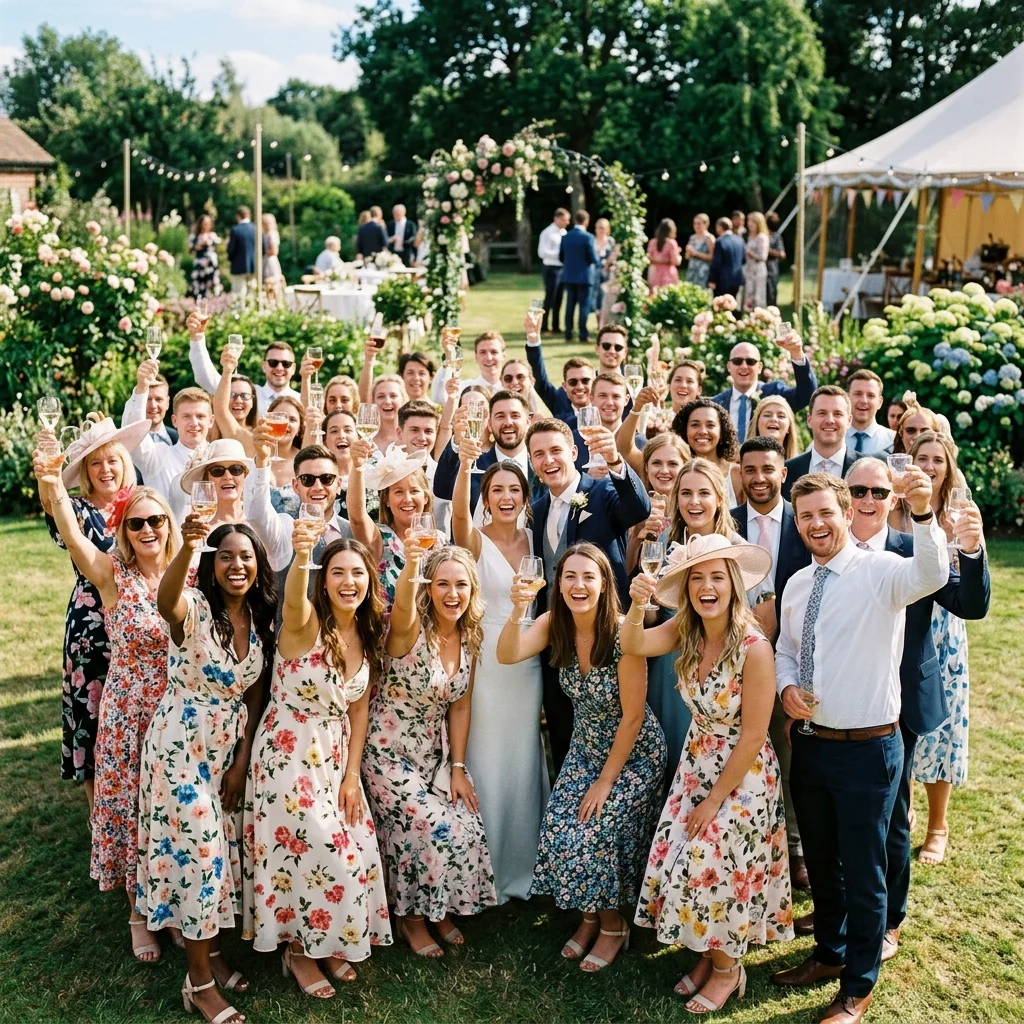
Timing is everything. Do not wait until the end of the night when guests are tired, under the influence, or leaving. The ideal time for a large group photo is right after the main arrival sequence or just before dinner. Guests are still dressed sharply, energy levels are high, and the crowd is naturally concentrated in one area.
2. Leverage Elevated Perspectives
To ensure every single face is visible, the camera needs to be higher than the crowd. If your venue has a balcony, a staircase, or a secure stage, position the photographer there. Looking down at the crowd allows the photographer to capture everyone clearly, even those standing in the very back rows. If elevation is not available, utilize a natural slope in the venue grounds.
3. Assign a Loudspeaker Announcer
Do not try to scream over the music yourself. Coordinate with the DJ, the master of ceremonies, or use the main PA system to make the announcement. Give guests a five minute warning so they can finish their conversations or grab a fresh drink before gathering. Clear instructions keep the staging process quick and organized.
4. Utilize Crowd Prompts
Standard poses can look stiff. Once everyone is in position, take a few classic smiling shots, but then prompt the crowd. Ask guests to raise their glasses, cheer, or look at the person next to them and laugh. These dynamic prompts result in beautiful, candid expressions that capture the genuine atmosphere of the celebration.
5. Deploy a Central Photo Hub
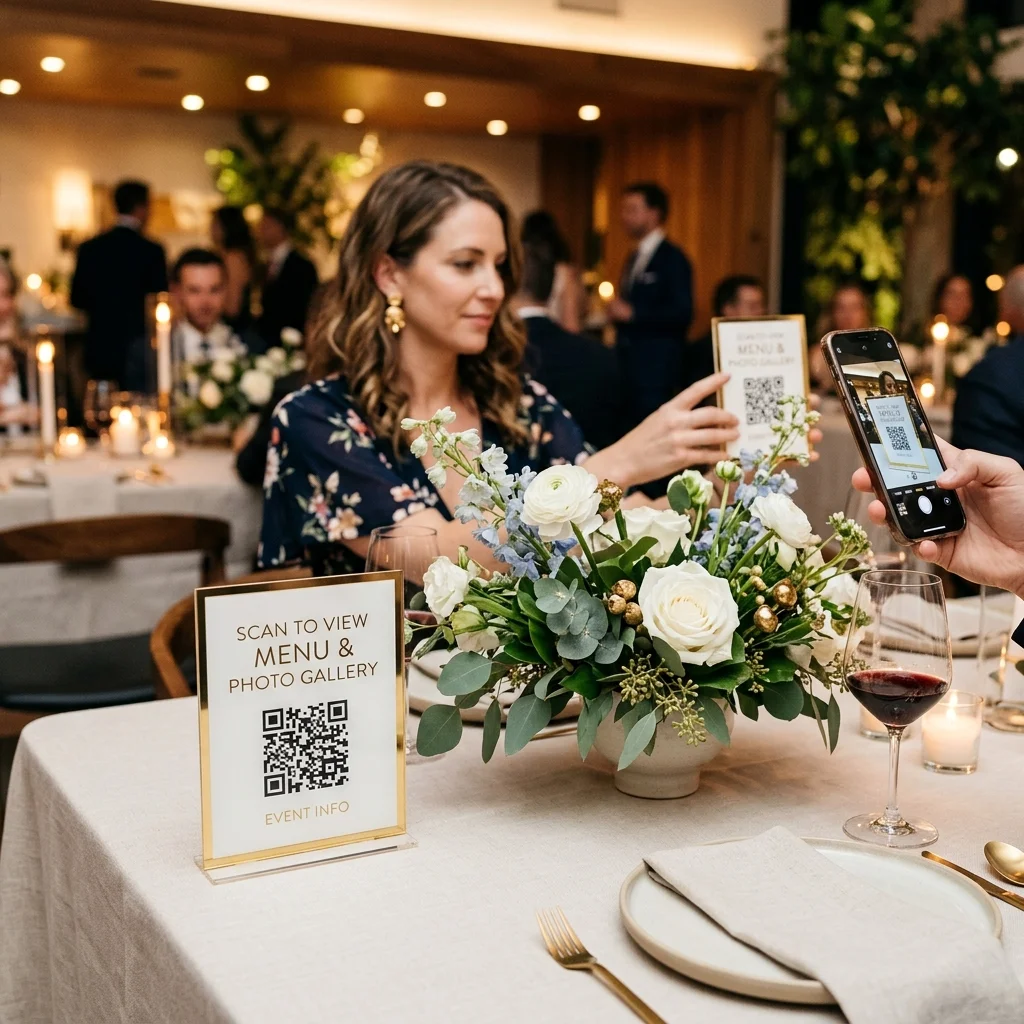
Your professional photographer will capture the official shot, but guests will take dozens of excellent group photos on their own smartphones. Set up a central location where everyone can share their files. Using a custom QR code table sign is the most efficient way to collect these photos in one place.
How to Collect Event Group Photos Instantly
Once the group photo at event gatherings is complete, the immediate question from guests is: how can I get a copy of that photo? Rather than handling dozens of individual text requests, you can establish an automated pipeline using EventSnap.
EventSnap is a browser-first photo sharing service. It connects directly to your personal Google Drive account, creating a seamless bridge for guest uploads. Here is how it functions in practice:
- Create an Event: You sign up at EventSnap and create your event space in minutes.
- Connect Your Storage: Link your Google Drive. EventSnap automatically creates a dedicated folder for all incoming uploads.
- Display the QR Code: Download the unique event QR code and place it on table cards, banners, or signs around the venue.
- Scan and Upload: Guests scan the QR code with their mobile cameras. This opens your custom upload page in their browser. They select their photos, tap upload, and the files go straight into your Google Drive.
Because the interface is browser-based, guests do not need to download a new application or sign up for an account. Bypassing these steps increases participation dramatically, ensuring you collect every candid angle captured during the night.
Comparison of Event Photo Sharing Methods
Let us review how different sharing methods perform when collecting a group photo at event gatherings of different sizes.
| Sharing Channel | Guest App Required | Image Compression | Storage Owner |
|---|---|---|---|
| SMS or WhatsApp | Yes (Messaging App) | Heavy Compression | Third Party Server |
| Google Photos Album | Yes (Google Account) | Moderate Compression | Host Account |
| Shared Drive Folder | Yes (Google Account) | High resolution, no watermark | Host Account |
| EventSnap QR Code | No (Browser Only) | High resolution, no watermark | Host Google Drive |
While texting is convenient, it compresses high-resolution group shots, washing out faces in the back rows. Google Photos albums solve the quality issue but force guests to log in, which stops many from participating. EventSnap combines the quality of Google Drive storage with the simplicity of a mobile browser, removing all user friction.
Proprietary Platform Data on Event Photo Sharing
Analyzing usage statistics can help us understand guest behavior during these group photo moments. Based on data collected from over 15,000 active events on the EventSnap platform in 2026, group photos represent a major spark for guest activity.
Our database shows that photo upload velocity peaks sharply right after a group photo is announced, typically between 8:30 PM and 9:15 PM at evening receptions. During this forty-five minute window, events experience an average of 42.4 photo uploads per gallery. Furthermore, when hosts display clear QR code signs near the staging area, overall guest participation rates jump from a baseline of 44% to a peak of 72%.
This data demonstrates that guests are highly motivated to share group photos, provided the sharing mechanism requires no app downloads or registration delays.
Frequently Asked Questions
How many people can fit in a single group photo at event parties?
With an elevated camera position and a wide-angle lens, you can easily fit up to two hundred people in a single shot. The key is ensuring that rows are tiered and that the photographer stands at least ten feet above the crowd.
How does EventSnap handle the group photo files?
EventSnap uploads a high-resolution photo or video file directly from the guest's phone into your connected Google Drive, with no watermark and no expiry. This keeps the detail you need, allowing you to crop in or print large physical copies later.
How do guests know where to find the QR code?
Place QR codes in high-traffic spots. Good locations include the reception entrance, the dining tables, the bar, and on the main projection screens if the venue supports live displays. Having the DJ make a quick announcement also helps direct attention to the codes.
Collect Every Group Photo Effortlessly
Create a free QR code hub. Let guests upload group photos directly to your Google Drive in full resolution.
📸 Create Your QR Hub Free