 🎥 Step-by-Step Guide
How to Collect Wedding Guest Videos Without Losing Quality (No App Needed)
If you've ever recorded a spectacular, high-definition 4K video on your smartphone, sent it to a friend via WhatsApp, and realized it arrived looking blurry, pixelated, and altogether ruined-you are definitely not alone. It is one of the most common modern frustrations in an era where everyone carries an incredibly powerful cinematic camera in their pocket.
Your wedding guests are going to capture incredible, unscripted moments. The emotional wedding toasts, the crazy dance moves that your professional videographer might have briefly stepped away for, and the candid, loud laughter at Table 7. But if your guests decide to text or message you those videos after the wedding via their favorite chat app, the quality will be completely destroyed by server-side compression algorithms.
This reality is heartbreaking for couples trying to piece together a comprehensive, high-quality digital archive of their wedding day. In this comprehensive guide, we will break down exactly why chat apps and social media platforms ruin video quality. We will explore the technical nuances of bitrate and compression, and most importantly, we will show you the definitive, step-by-step method for capturing 100% original, uncompressed guest videos directly into your Google Drive without asking your guests to install a single third-party application.
Quick Answers: Collecting Wedding Guest Videos
How do you collect wedding guest videos without losing quality?
Use EventSnap QR codes. Guests scan and upload videos up to 1 GB directly to your Google Drive through their browser. Unlike WhatsApp and iMessage, there is zero compression. Videos arrive at the exact quality they were recorded.
Does WhatsApp compress wedding videos?
Yes. WhatsApp compresses videos heavily. A 500 MB 4K video can shrink to 16-64 MB, resulting in blurry footage. EventSnap bypasses messaging apps entirely and sends videos to Google Drive at original quality.
The Science of Video Compression: Why 4K Videos Look So Bad on WhatsApp
Chat apps like WhatsApp, Facebook Messenger, WeChat, and even Apple's iMessage are fundamentally designed for speed, instant delivery, and bandwidth conservation-not for high-fidelity archival video storage. Every day, billions of videos are sent across these platforms. If these apps forwarded the massive, multi-gigabyte files that modern smartphones are capable of recording, cellular networks would crash and phone storage would fill up in a matter of hours.
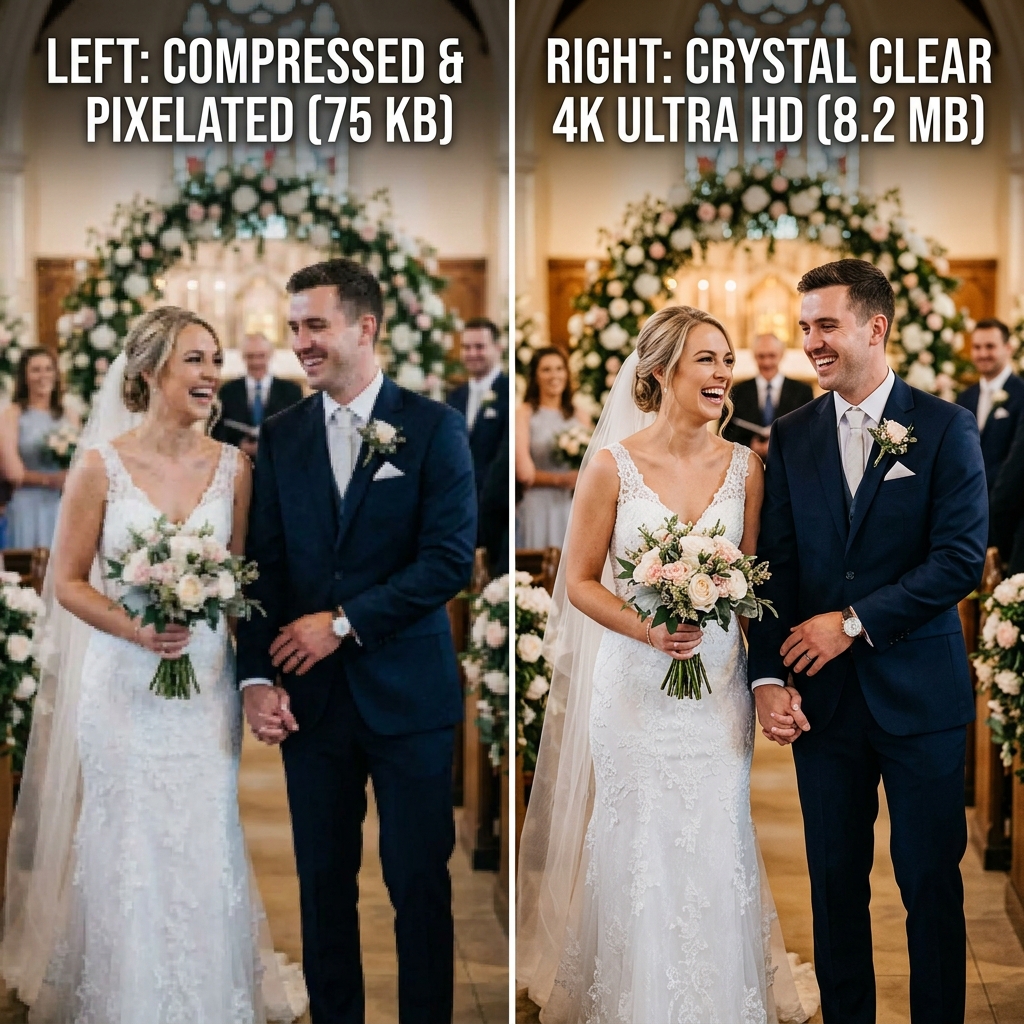
To prevent this and send a video quickly over a cell network, these apps forcefully compress the file before it even leaves your guest's phone. When a guest records a pristine 500MB video shot in 4K resolution at 60 Frames Per Second (FPS) on their iPhone 16 or Samsung Galaxy S26, the chat app intercepts it. The app's algorithm aggressively crushes it down to a fraction of its original size. The result? Heavy compression artifacting, pixelation, blocky shadows, and muddy, metallic-sounding audio.
Let's look at the numbers and see how dramatic this file reduction is.
| App / Platform | File Size Limit | Impact on Video Quality |
|---|---|---|
| 16MB - 64MB | Extreme compression. Beautiful 4K footage is downscaled to 720p or lower. High artifacting in dark environments (like a wedding dance floor). | |
| iMessage (iOS to Android) | Usually under 5MB | Notoriously bad. This is the classic "Green Bubble" problem. Video is reduced to a tiny, blurry MMS rectangle that looks like it was filmed in 2005. |
| iMessage (iOS to iOS) | Varies (up to 100MB) | Better, but still applies dynamic compression if the sender has weak cell service or "Low Quality Image Mode" enabled in their settings. |
| Shared iCloud Albums | Variable | Apple quietly downgrades videos over 15 minutes or high bitrates to 720p to save server costs on their end. It restricts full-res downloads. |
| EventSnap + Google Drive | 1 GB per video | Zero compression. Pure original 4K file directly transferred. What they shoot is exactly what you get. |
Bitrate vs. Resolution: Why "4K" Isn't Always Real 4K
Many couples mistakenly believe that if a video is formatted in a 16:9 ratio and technically uploaded as "1080p" or "4K", it will look great. This is a misunderstanding of how digital video works. The true quality of a video is determined by its Bitrate, not just its resolution.
Bitrate is the amount of data processed per second of video. Think of resolution (4K) as the size of the canvas, and bitrate as the amount of paint used on that canvas. If a chat app takes a 4K video (a large canvas) but drastically reduces the bitrate (taking away all your paint), the video will look blurry, smudged, and blocky whenever there is movement-such as dancing, walking down the aisle, or panning the camera quickly.
To preserve the bitrate, the file size must remain large. There is no magic shortcut. High-quality memories require large storage space, and large storage spaces require proper cloud architecture, not a chat window.
Why Shared Cloud Folders Often Fail at Weddings
You might be thinking, "Okay, I understand compression. I'll just email out a link to a shared Google Drive or Dropbox folder!" While theoretically sound, this approach almost always fails in practice because of friction.
- The App Download Barrier: If you send a Dropbox link, guests are often prompted to download the Dropbox app to upload large batches of files. Nobody wants to download an app at a wedding reception.
- The Login Wall: A standard Google Drive folder link often requires the user to log in to their Google Account. Many guests forget their passwords or don't use Gmail, leading to a 90% abandonment rate.
- The Clunky Interface: Navigating a native cloud drive folder structure on a mobile web browser is incredibly frustrating for non-technical guests. They don't know where to drop the files, and they might accidentally delete someone else's folder.
The solution isn't to abandon cloud storage; the solution is to fix the entry portal. You need a frictionless bridge connecting your guest's camera roll directly to your cloud storage.
The Solution: Direct-to-Drive Browser Uploads via QR Code
Because you only get married once, you need the original files. The absolute best way to bypass chat app compression and avoid the friction of shared folders is to give your guests a dedicated, customized upload portal powered by a QR code.
Using EventSnap, you can instantly generate a beautiful QR code that allows guests to upload files from their phone's native file system straight into your personal Google Drive, skipping all middle-man compression scripts and completely removing the need for logins or app downloads.
Step 1: Connect your Dedicated Google Drive
Choose the Google Drive account where you want your memories stored securely forever. Because Google provides 15GB of free storage with every account, it is the perfect repository for massive 4K video files. It's recommended you use a shared couple's email address if you have one, so you both have permanent ownership of the archive.
Step 2: Generate your Custom Wedding QR Code
Once you plug in your event date and couple's name inside EventSnap, the system works its magic. It generates a secure, beautiful upload portal interface and ties it to a printable QR Code. You don't need to manually configure complicated Google Drive read/write permissions or worry about guests accidentally deleting files.
Step 3: Scatter the Codes Across the Venue Strategically
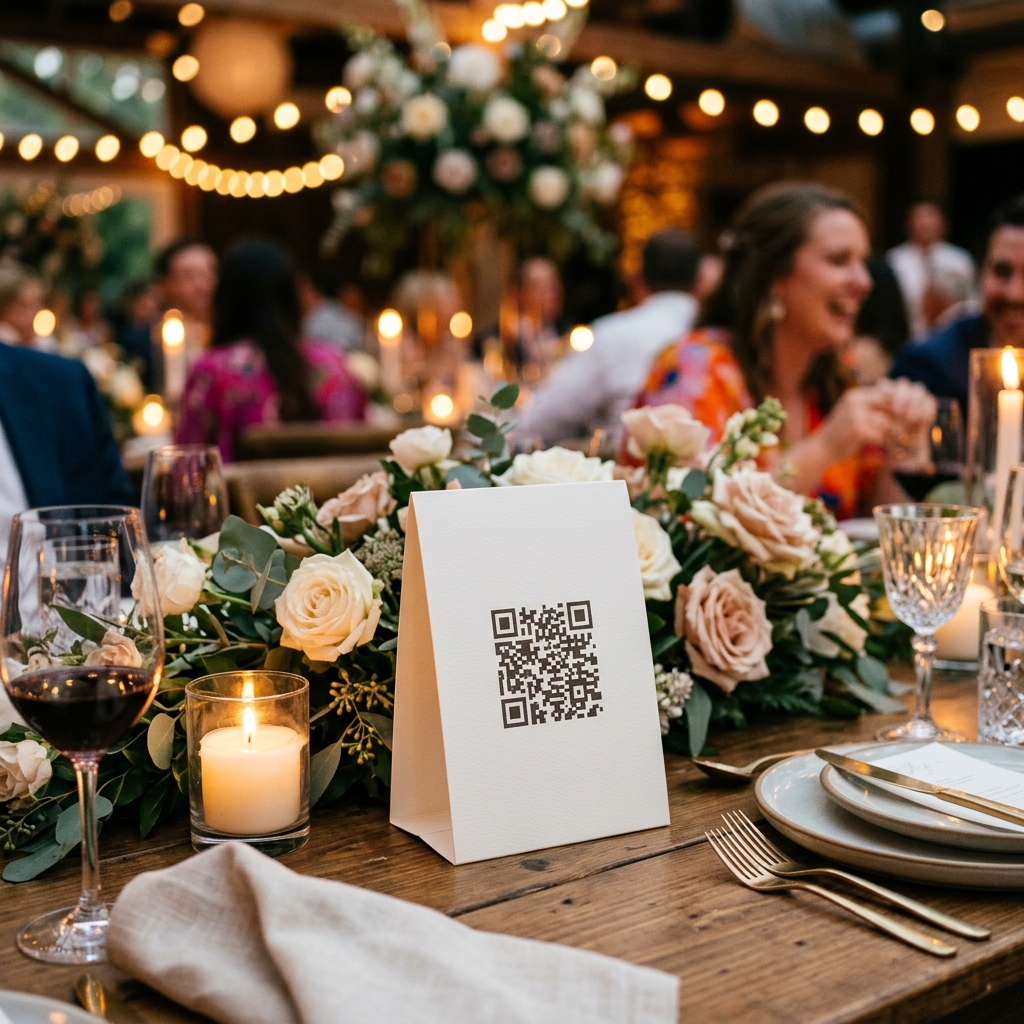
Print the QR codes and place them strategically around your venue. We highly recommend placing them on guest tables, at the bar (where guests wait and scroll on their phones), and near the photo or video booth. We also recommend adding a playful instruction line to the sign to encourage video specifically: "We want to see the night through your lens! 4K videos welcome! Scan here to send directly to us."
Step 4: Guests Upload Seamlessly on their Own Time
When guests scan the code, their phone's browser opens directly to your custom upload portal. **There are absolutely no apps for them to download and no accounts to create.** They simply select the long, uncompressed 4K videos from their camera roll and press upload. The file travels directly into your Drive.
Important Reminders for Handling Uncompressed Video
Because you are now successfully bypassing the compression algorithms of the internet, you are dealing with massive digital assets. Keep these tips in mind as you plan your setup:
- ✨ Advise on Wi-Fi: Because 4K videos are massive files (often exceeding 500MB per minute of footage), consider adding a note on your QR code sign encouraging guests to upload when they return to their hotel room and connect to Wi-Fi. This ensures they don't eat up their cellular data plan or face upload timeouts in rural venues with bad cell service.
- ✨ Large File Tolerance: EventSnap is engineered to handle massive payloads. It supports single drops of up to 1GB per video asset, giving guests incredible leeway to upload long 5-minute speeches, the entirety of your first dance, or high-framerate slow-motion clips securely.
- ✨ Future-proof Your Memories: Once your guests' videos are safely nestled in your Google Drive, they are yours forever. Nobody can delete an expired server gallery, you won't ever be asked to pay an extortionate "download release fee", and you own the master rights to every single pixel.
By simply providing the right bridge between your guests' phones and your cloud storage, you ensure that fifty years from now, you can watch your wedding videos on whatever futuristic 8K television exists, in absolute crystal-clear perfection.
Start collecting uncompressed 4K video today
Your guests' best moments deserve to be seen in full definition. Do not settle for blurry copies.
Create Your Event QR Code - Free