 🎓 Graduation Guide
Graduation Party Photo Sharing: How to Collect Every Guest Photo & Video to Google Drive (2026)
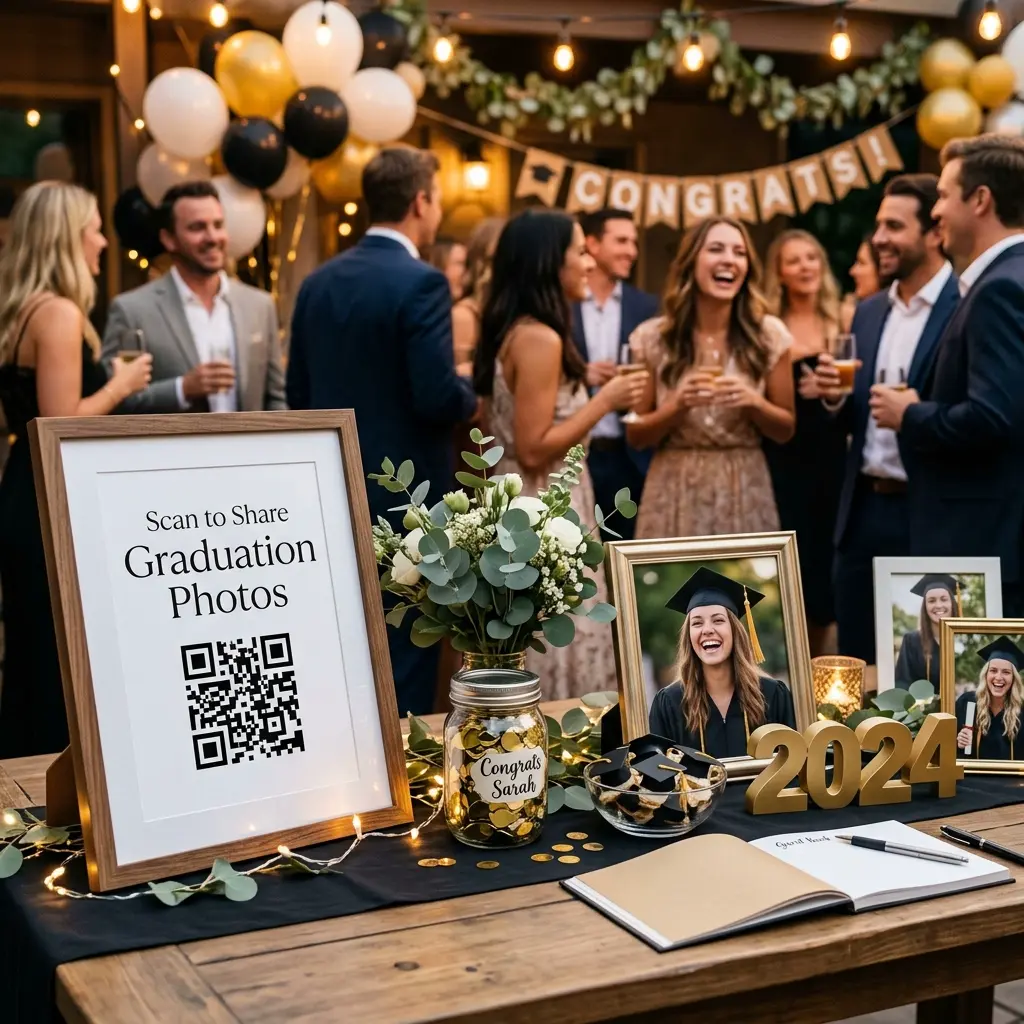
The easiest way to collect photos at a high school or college graduation party is by using EventSnap QR code photo sharing, which allows guests to scan a table sign and stream full resolution photos and videos directly into your Google Drive without downloading apps or creating accounts.
Quick Answers: Graduation Photo Sharing
What is the best app-free way to collect graduation photos?
EventSnap provides a simple QR code sign solution. Guests scan the code with their mobile phone camera and upload candid party photos and video toasts directly in their web browser straight to your personal Google Drive.
Can I collect graduation party photos for free?
Yes. The EventSnap Starter plan is completely free and allows up to 50 uploads, which is ideal for intimate graduation family gatherings. For larger open house celebrations, the Single Event plan ($9.99) unlocks unlimited uploads.
Graduation represents a milestone moment filled with pride, emotion, and years of hard work. Whether you are celebrating a high school senior, a college graduate earning their degree, or a postgraduate milestone, graduation parties bring together family, high school friends, professors, and relatives from near and far.
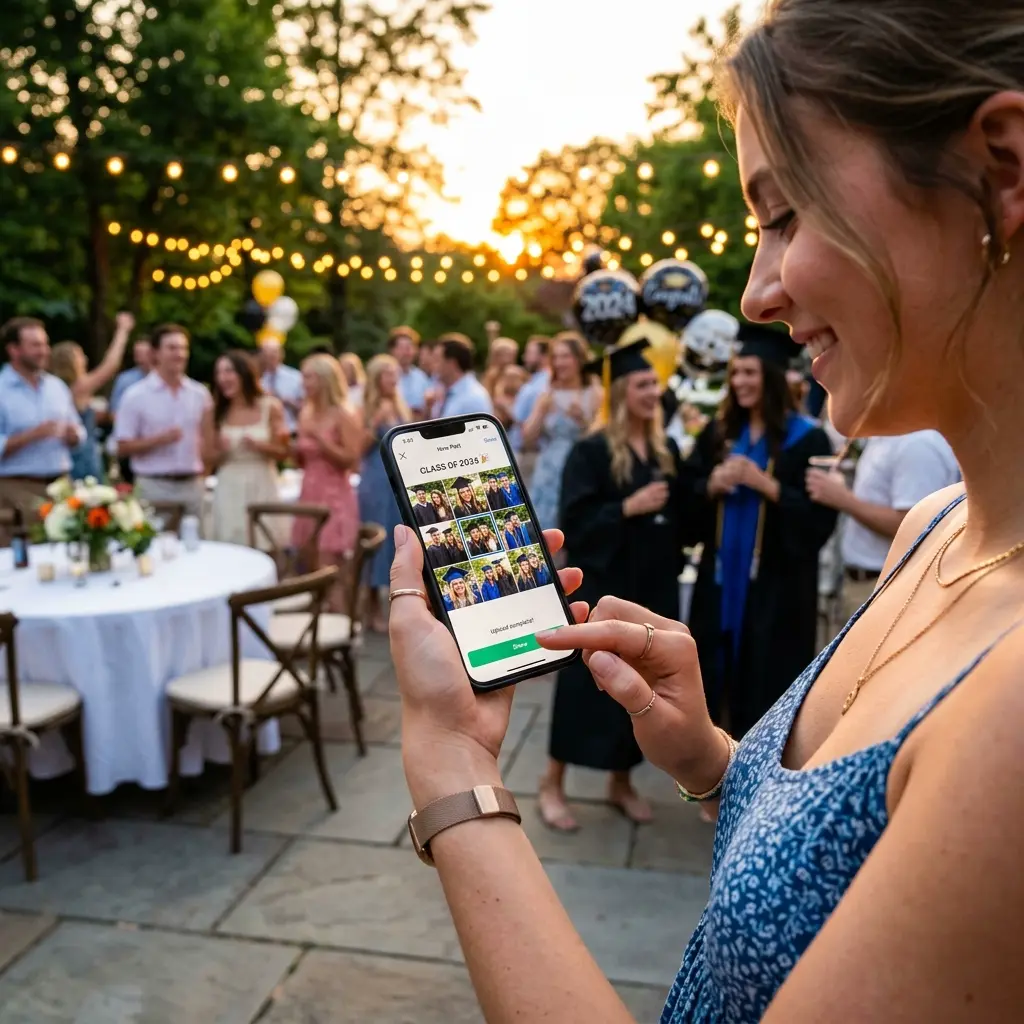
While hiring a professional photographer is great for formal diploma portraits, the most authentic and spontaneous memories happen naturally throughout the party: high school friends posing in photo booths, grandparents watching the slide show, tearful toasts, and cap tossing in the backyard. Unfortunately, collecting these priceless candid moments after the event usually turns into a chaotic chase across group chats, Instagram tags, and compressed text messages.
Modern event hosts need a streamlined, privacy first solution that makes sharing instant and effortless for guests of all ages. In this guide, we will break down why traditional sharing methods fail and show you step by step how to set up an app free QR code photo gallery for your graduation party.
Why Traditional Graduation Photo Sharing Methods Fail
Before exploring the QR code solution, it is helpful to look at why older photo collection methods often leave parents and graduates frustrated:
- Social Media Compression: Photos posted to Instagram or Facebook are heavily compressed, stripping away crisp resolution and fine details. Furthermore, older family members may not use social platforms.
- Group Chat Clutter: Texting photos over iMessage or WhatsApp compresses video files down to grainy pixelated clips and creates messy endless message threads.
- Shared Google Photos Albums: Native Google Photos shared albums require every guest to log into a Google account, grant permission requests, and navigate confusing sharing menus before uploading.
- Mandatory App Downloads: Asking guests at a party to download an unfamiliar app from the App Store causes immediate friction. Most guests will skip uploading altogether.
Graduation Photo Sharing Method Comparison
Here is how EventSnap compares against common alternative photo collection methods for graduation celebrations:
| Sharing Method | App Download Needed | Guest Login Required | Photo & Video Quality | File Ownership |
|---|---|---|---|---|
| SMS / Group Text | No | No | Low (Heavily Compressed) | Scattered on phones |
| Social Media Hashtags | Yes | Yes | Medium Compression | Public platform server |
| Shared Google Drive Links | No | Yes (Google Account) | Full Original Quality | Your Google Drive |
| EventSnap QR Code | No (Web Browser) | No (1-Click Upload) | Full 4K Uncompressed | Your Google Drive |
Step by Step Setup Guide for Graduation Parties
Setting up your graduation photo collector takes only a couple of minutes before the party begins:
Step 1: Create Your Event Gallery
Sign up at EventSnap and name your event gallery (for example, "Class of 2026 Alex Graduation Party").
Step 2: Connect Your Google Drive Account
Link your personal Google Drive. EventSnap automatically creates a dedicated graduation folder. Every photo and video submitted by guests streams directly into this folder, organized cleanly by guest name or upload time. Learn more about automatic organization in our guide on how to organize event photos automatically.
Step 3: Print and Place Your QR Signs
Download your custom high resolution QR code. Place printed signs in stylish frames on the entrance welcome table, near the food buffet, by the dessert bar, and around outdoor seating areas.
Step 4: Watch Photos Stream in Real Time
As guests arrive, scan, and upload, your Google Drive fills with authentic high definition photos and video toasts from every angle of the celebration.
Creative Graduation Party QR Sign Ideas
Integrating your photo QR code into your party styling makes it fun and inviting for guests to participate:
- Graduation Memory Board: Mount your QR code in the center of a photo display board showing childhood photos leading up to senior year portraits.
- Table Number Cards: Print small QR codes on high top cocktail table cards so guests can upload photos while enjoying food and conversation.
- Digital Photo Booth Station: Pair your QR code sign with fun props, graduation caps, and balloon arches to create an informal selfie photo booth.
- Live Projection Slideshow: Display a live slideshow of incoming guest uploads on a backyard projector screen or living room TV. Read our guide on collecting 500+ photos with zero apps for more ideas.
Frequently Asked Questions
Can guests upload graduation video speeches?
Yes! EventSnap supports video uploads up to 1GB in size using resumable TUS upload technology, ensuring long video speeches and cap toss moments upload smoothly without freezing.
Is guest data kept private?
Absolutely. Guest photos and videos stream directly into your personal Google Drive account. EventSnap does not sell guest data or keep permanent secondary copies of your media.
What if we are hosting both a family dinner and a open house party?
Your single EventSnap QR code remains active throughout your entire graduation weekend, capturing memories across all your family dinners, ceremony events, and open house parties seamlessly.
Capture Every Graduation Memory Effortlessly
Set up your free graduation party QR code gallery in under 2 minutes. Stream photos and videos straight to your Google Drive.
🎉 Create Your Graduation Gallery FreeRelated Articles & Guides
Group Photo Sharing: Collect Everyone's Memories
How to gather photos from large family and friend groups without email attachments or app downloads.
How to Automatically Organize Event Photos in Google Drive
Organize uploads automatically into subfolders by guest name or event moment.
7 Best Free QR Code Photo Sharing Apps for Events
Review of top free QR code event photo sharing apps ranked by ease of use.