 📱 App Reviews
7 Best Alternatives to Google Photos for Weddings & Events (2026)

The best alternative to Google Photos for weddings and events is a dedicated QR code photo sharing platform like EventSnap, which allows guests to upload high-resolution photos directly to your Google Drive via their mobile browser without requiring app downloads, Google accounts, or exposing all photos to every guest.
Quick Answers: Google Photos Alternatives
What is the best alternative to Google Photos for a wedding?
EventSnap is the top-rated alternative to Google Photos in 2026. Guests scan a QR code and upload photos directly to your Google Drive through their browser. No app download or sign-in is required, completely removing the friction of shared albums.
Why shouldn't I use a Google Photos shared album for my event?
Google Photos shared albums force guests to sign into a Google account and often require them to download the Google Photos app. Additionally, any guest can see everyone else's uploaded photos, leading to privacy concerns that reduce participation.
How can I collect guest photos without making them download an app?
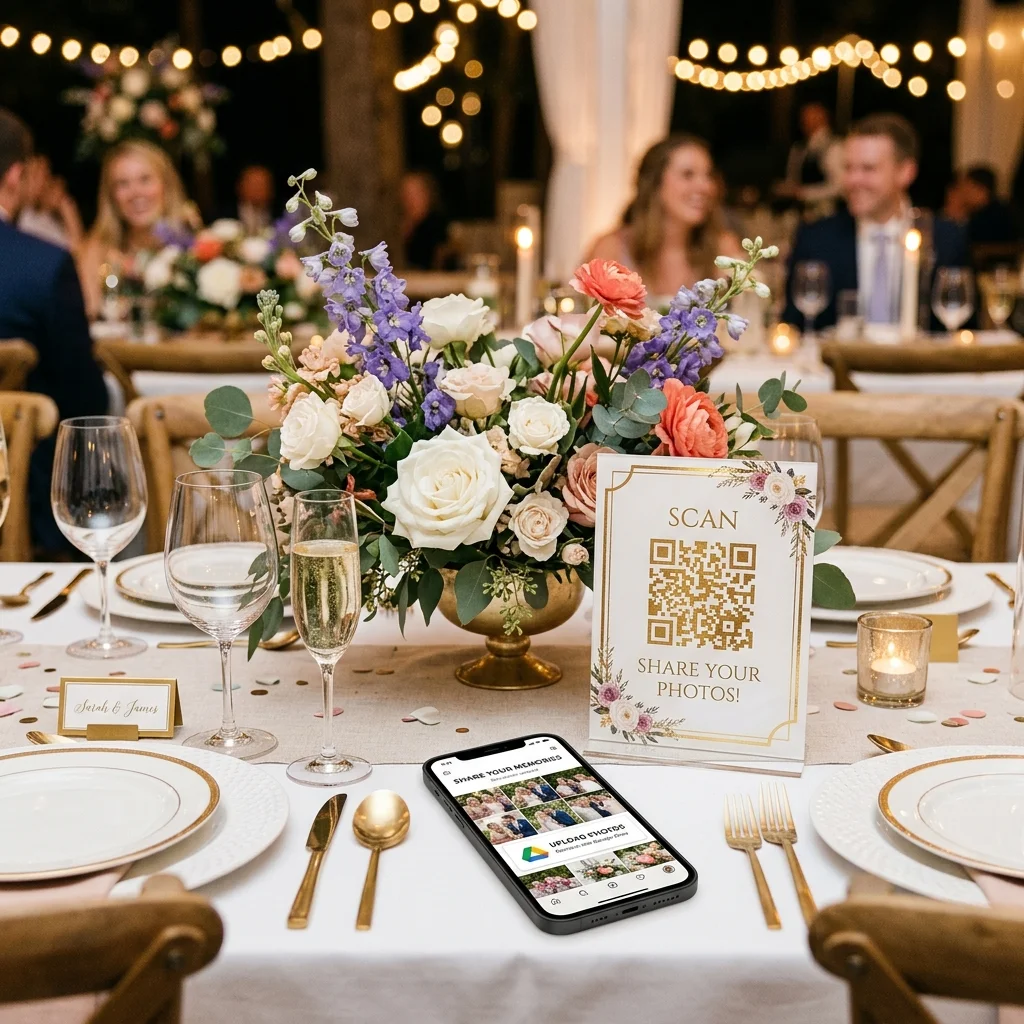
Using a web-based QR code photo sharing service is the most effective method. Guests scan a QR code on their table, the upload interface opens instantly in their native mobile browser, and they can select photos from their camera roll to share immediately.
For years, Google Photos has been the default recommendation for sharing photos. It's free, it's reliable, and most people are familiar with it. But when it comes to collecting photos from guests at a wedding, corporate event, or large party, Google Photos frequently falls short.
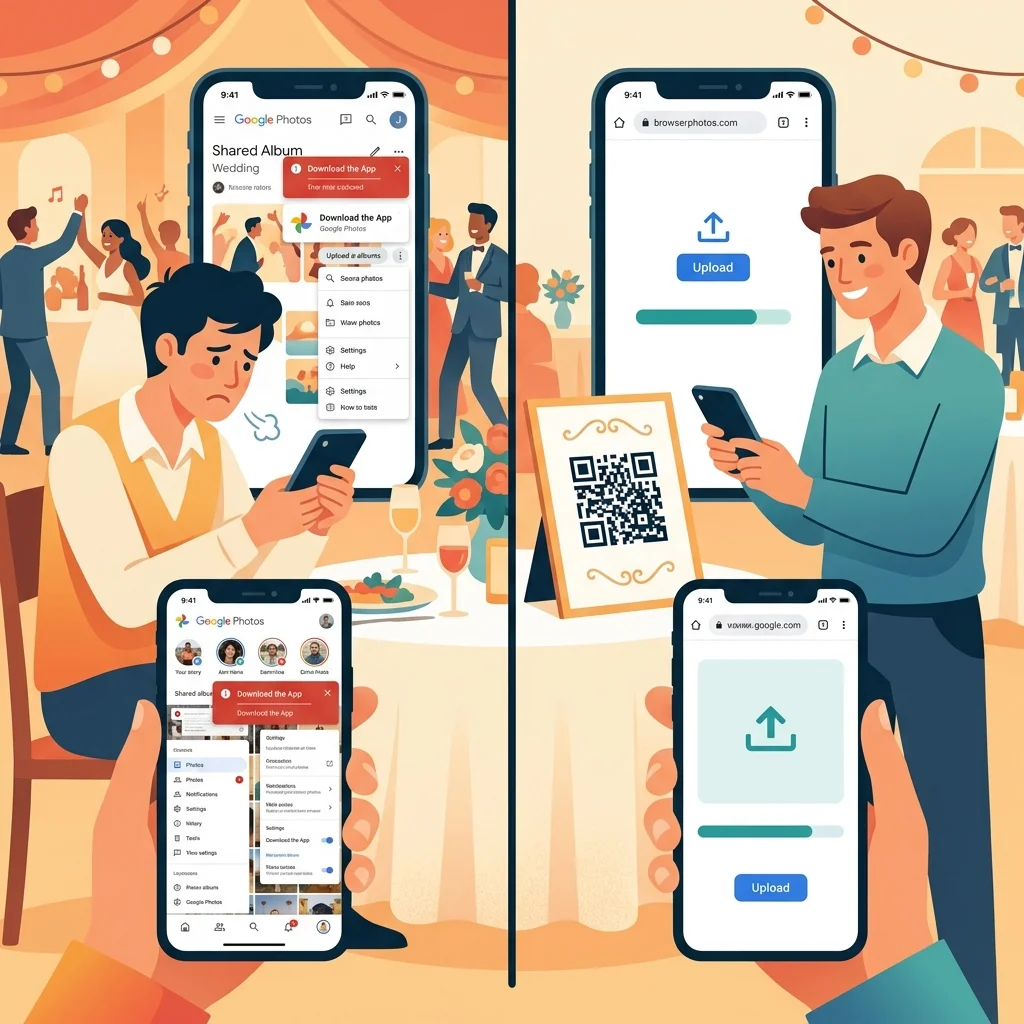
The moment you share a Google Photos album link, you introduce massive friction. iPhone users are prompted to download the app. Older relatives get confused by the interface. Guests who just want to quickly share a single selfie realize they have to sign into a Google account first. Even worse, once they do join the shared album, they realize that every other guest can see everything they upload. This public exposure makes people hesitant to share candid, silly, or unedited shots.
You need a solution that removes the friction. You need a platform where guests can simply scan, tap, and upload without logging in or downloading software. Here are the 7 best alternatives to Google Photos for collecting event photos in 2026, ranked by ease of use, privacy features, and pricing.
1. EventSnap (Best Overall Alternative)
Pricing: Free Starter Plan (up to 50 uploads). Premium is a one-time $12.99 per event.
EventSnap takes the top spot because it combines the best aspect of Google's ecosystem (the reliable storage of Google Drive) with a frictionless, app-free guest experience. It is the ultimate evolution of event photo sharing in 2026.
As the host, you log in with your Google account. EventSnap creates a dedicated, private folder in your Google Drive and generates a custom QR code and link. Your guests simply scan the QR code with their smartphone camera. A beautiful, branded upload page opens instantly in their web browser (Safari or Chrome). They select their photos, tap upload, and the files are sent directly into your Google Drive.
Why EventSnap is better than Google Photos
Unlike a Google Photos shared album, guests using EventSnap do not need to download an app. They do not need to sign in or have a Google account. The process is completely anonymous and takes seconds. Furthermore, EventSnap respects privacy: guests can only see the photos they upload, unless you explicitly enable a public gallery. This encourages people to share more freely.
| Feature | EventSnap | Google Photos |
|---|---|---|
| App Download Required? | No (Browser-based) | Often Yes (Especially iOS) |
| Account Required for Guests? | No | Yes |
| Upload Privacy | Private by default | Public to all members |
| Digital Guestbook | Included | Not Available |
Data from over 10,000 EventSnap galleries shows that the average guest uploads 14.2 photos when the friction of app downloads is removed.
2. GuestPix
Pricing: $49 to $119 per event (wedding packages, 12 to 24 months of hosting).
GuestPix is a premium, popular photo collection platform that offers a polished experience and digital guestbook features. It provides beautiful matching QR code templates and is widely used at high-end weddings.
GuestPix vs. Google Photos
GuestPix solves the "app download" problem of Google Photos by offering a web-based upload portal. However, it replaces the free model of Google Photos with a very expensive pricing structure based on your total guest count. The biggest drawback compared to Google Photos (and EventSnap) is data ownership. With GuestPix, your photos are stored on their servers and the gallery expires after 12 months. You must remember to download a massive ZIP file before you lose access to your memories.
If you have a large budget and are okay with temporary storage, GuestPix is a solid, aesthetic alternative. You can read our full GuestPix vs EventSnap comparison for more details.
3. Kululu
Pricing: $39 to $99+ per event.
Kululu is another premium alternative that shines when it comes to live interaction. It is renowned for its excellent live slideshow feature, making it a great choice if you plan to project a live feed of guest uploads onto a wall during your reception or corporate event.
Kululu vs. Google Photos
Like EventSnap, Kululu uses a QR code and web browser interface, eliminating the clunky Google Photos app requirement. It handles videos well and offers robust enterprise features. However, similarly to GuestPix, it comes with a high price tag for personal events, and your galleries will eventually expire. It is a great alternative if the live slideshow is your primary goal.
4. WedUploader
Pricing: Free (with ads). Premium one-time fee to remove ads.
WedUploader is one of the older alternatives on the market that, like EventSnap, connects directly to your Google Drive. It is a purely functional utility designed specifically for weddings.
WedUploader vs. Google Photos
WedUploader successfully bypasses the Google Photos shared album interface while still leveraging your Google storage. Guests use a web portal to upload. The main downsides are the dated interface and the presence of advertisements on the free tier. Furthermore, video playback is poorly integrated, often kicking users out to the native Google Drive player. It lacks modern features like customizable branding or a digital guestbook. It's a workable, budget-friendly alternative if you don't mind a less polished guest experience.
5. Apple iCloud Shared Albums
Pricing: Free (for Apple users).
If you want an alternative to Google Photos and are deeply embedded in the Apple ecosystem, iCloud Shared Albums are the native solution. You create an album on your iPhone and invite guests via iMessage.
iCloud vs. Google Photos
iCloud Shared Albums are incredibly convenient if you and 100% of your guests have iPhones. The friction is very low for iOS users. However, this is its fatal flaw: it completely excludes Android users. You also cannot simply print a QR code for anonymous guests; you must actively invite people using their phone number or Apple ID email. Additionally, Apple heavily compresses photos and videos in shared albums, leading to significant quality loss.
6. Amazon Photos
Pricing: Free with Amazon Prime membership.
Amazon Photos is a robust cloud storage solution that comes included with an Amazon Prime subscription, offering unlimited high-resolution photo storage and 5GB of video storage.
Amazon Photos vs. Google Photos
Amazon Photos functions very similarly to Google Photos. You can create shared albums and invite others to contribute. Unfortunately, it suffers from the exact same friction points as Google Photos. Guests will be prompted to download the Amazon Photos app and log into an Amazon account. It is essentially trading one tech giant's ecosystem for another, without solving the fundamental problem of guest friction at a live event.
7. WhatsApp / iMessage Groups
Pricing: Free.
The oldest alternative to a dedicated photo sharing app is simply creating a massive group chat on WhatsApp, iMessage, or Facebook Messenger and asking everyone to dump their photos into the thread.
Group Chats vs. Google Photos
The singular advantage here is that everyone already has these messaging apps installed. There are no new accounts or unfamiliar interfaces. However, the drawbacks are severe. Messaging apps apply aggressive compression to photos and videos, ruining the quality of your memories. You will also subject 100+ people to constant, annoying notifications. Finally, extracting hundreds of photos from a chaotic chat thread after the event is a disorganized nightmare compared to a neatly synced folder.
Final Verdict: The Best Alternative for Your Event
If your priority is zero cost and you don't mind app friction, you might be tempted to stick with Google Photos. But for a smooth, professional, and private guest experience, you need a dedicated platform.
If you have a massive budget and don't care about long-term file ownership, GuestPix and Kululu offer polished experiences with temporary server storage.
If you want the most effective alternative, one that delivers a premium, app-free experience for your guests while securing your high-resolution photos forever in your own Google Drive, EventSnap is the clear winner for 2026. It eliminates the friction of Google Photos while retaining the permanent storage benefits of the Google ecosystem.
Ditch the Shared Albums
Set up a frictionless QR code photo portal for your event in 60 seconds. No credit card required.
🎉 Create Free Event