Respectful & Private

Gather Beautiful Memories of Your Loved One

The simplest, most respectful way to collect photos at a celebration of life or memorial service. Guests scan a code, and photos go straight to your Google Drive. No apps. Total privacy.

✓ 100% Private ✓ Full Resolution ✓ Easy for all ages
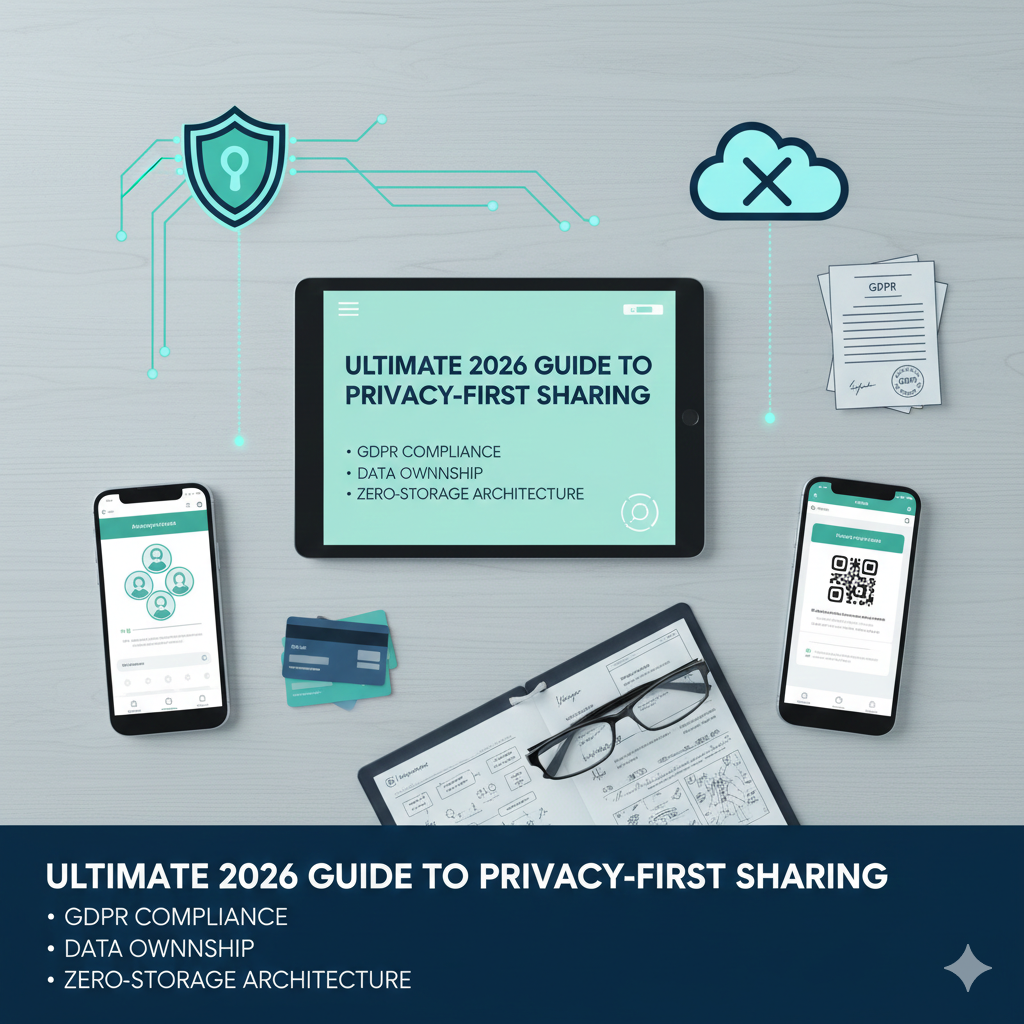
Private and secure photo sharing

Why families choose EventSnap during difficult times

We removed all the friction so you can focus on what matters: the memories.

🌿

Respectful & Simple

Zero apps to download. No forcing older relatives to create accounts or remember passwords. They just scan, select, and share.

🔒

Absolute Privacy

These are your memories, not social media content. Photos go directly to a private folder in YOUR Google Drive, never lingering on public servers.

📖

Memory Guestbook

Guests can leave heartfelt stories, condolences, and memories alongside the photos they upload, creating a digital keepsake you'll cherish forever.

📺

Beautiful Slideshows

Automatically project uploaded photos on a screen during the service or reception. As guests add new memories, the beautiful slideshow updates instantly.

☁️

Permanent Storage

Unlike other platforms where galleries expire after 30 days, your photos live safely in your Google Drive forever, at full original resolution.

🕊️

Free to Start

Set up an event for free up to 50 uploads. Need more? It's just a single, one-time payment of $9.99 for unlimited uploads and features.

Honoring a Life Well Lived

Ways to use EventSnap to bring people together and share stories.

The Reception Table

Place a framed QR code next to the physical guestbook. Encourage attendees to upload photos they have of your loved one from over the years.

Digital Memory Book

Use the guestbook feature to collect stories. Tell guests: "Please upload a photo and share your favorite memory with us."

Distant Relatives

Generate a simple upload link and send it via email or text to loved ones who couldn't attend, allowing them to participate and share their photos warmly from afar.

Set up in 60 seconds

1

Connect Google

Sign in with your Google account. We'll automatically create a private folder in your Drive to catch the photos.

2

Get Your QR Code

Instantly download a custom QR code for your event. Print it or display it on screens at the venue.

3

Guests Share

Guests scan the code, pick photos from their phone, and upload. Every memory goes directly to your secure Google Drive.

Frequently Asked Questions

Is it easy for older relatives to use?

Yes. We designed EventSnap to have absolutely zero friction. There are no apps to download, no accounts to create, and no passwords to remember. If they can open their phone camera, they can share a photo.

Are the photos private?

Extremely private. Unlike social media or public apps, uploaded photos go directly into a private folder in YOUR personal Google Drive. We never store your family's memories on our servers.

Can guests leave written memories or condolences?

Yes. With the Digital Guestbook feature (available on the Premium plan), guests can write a story, memory, or message to accompany the photo they upload.

How much does it cost?

We offer a Free Starter plan for intimate gatherings (up to 50 uploads). For larger memorials with unlimited uploads and the digital guestbook, the Premium plan is a one-time payment of $9.99.

Can we show a slideshow during the service?

Yes. The Premium plan includes a Live Slideshow feature. You can connect a laptop to a projector or TV, and it will automatically display photos as they are uploaded.

Preserve Every Treasured Memory

Set up your event page in 60 seconds. Free to start, no credit card required.

Create Event — Free