 📱 App Reviews
7 Best Free QR Code Photo Sharing Apps for Weddings & Events (2026)
You want your event guests to share the hundreds of photos they take on their phones. But you also know that if you ask them to download a dedicated app from the App Store, create an account, and confirm their email... most of them simply won't do it.
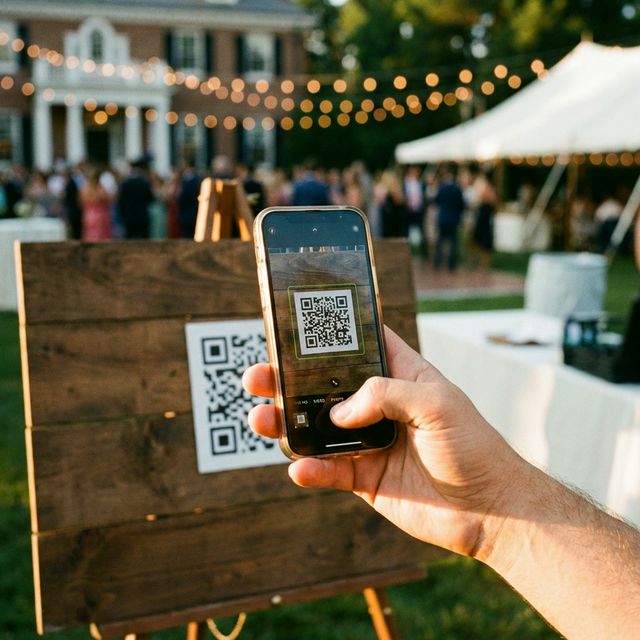
The solution is QR Code Photo Sharing. Guests scan a code on their table, the upload page opens immediately in their web browser, and they share photos in seconds.
But with so many tools on the market, which one is best? And more importantly, which ones are actually free to use? Here are the 7 best QR code photo sharing platforms in 2026, ranked by features, privacy, and ease of use.
1. EventSnap (Best Overall & Best for Google Drive)
Pricing: Free Starter Plan (up to 50 uploads). Premium is a one-time $9.99 per event.
EventSnap takes the #1 spot because it solves the biggest problem with photo sharing platforms: data ownership. Instead of storing your photos on an arbitrary server that forces you to download everything before the gallery expires, EventSnap connects directly to your Google Drive.
When guests scan the QR code and upload, the original, full-resolution photos and videos (up to 1GB!) go straight into a private folder in your Drive. The gallery never expires.
- ✅ Pros: Zero app required, files go straight to your Google Drive, beautiful modern UI, handles large videos effortlessly, includes a Digital Guestbook and Live Slideshow feature.
- ❌ Cons: Requires a Google account to host the event (guests do not need one).
2. WedUploader
Pricing: Free (with ads). Premium is a one-time fee to remove ads.
Like EventSnap, WedUploader also connects to Google Drive. It was one of the early platforms to offer this solution and remains a solid choice for couples on a strict budget who don't mind advertisements.
- ✅ Pros: Connects to Google Drive, functional utility.
- ❌ Cons: The guest interface feels dated, video playback kicks users out to Google Drive's native player, lacks modern features like a digital guestbook.
3. GuestPix
Pricing: $39 to $189+ per event (Based on guest count).
GuestPix is highly popular and offers a great polished experience. They provide beautiful matching QR code templates and a digital guestbook. However, their pricing model is expensive compared to others on this list, and they charge based on your guest count.
- ✅ Pros: Beautiful interface, digital guestbook, great templates.
- ❌ Cons: Very expensive, galleries expire after 12 months, photos are stored on their servers (you must remember to download them).
4. Kululu
Pricing: $39 to $99+ per event.
Kululu is another premium option known for its excellent live slideshow feature, which is great for projecting photos on a wall during a wedding reception or corporate event. It's a robust platform, but like GuestPix, you are paying a premium to store photos on their servers temporarily.
- ✅ Pros: Excellent live slideshow capabilities, robust enterprise features.
- ❌ Cons: High cost for personal events, galleries expire.
5. Google Photos (Shared Albums)
Pricing: Free.
You can create a shared album in Google Photos and turn the link into a QR code using a free generator online. It's completely free and works well if all your guests are tech-savvy.
- ✅ Pros: 100% free, familiar to many people.
- ❌ Cons: Guests are usually forced to download the Google Photos app if they are on an iPhone, it mixes everyone's photos together messily, and older relatives often struggle with the interface.
6. Apple iCloud Shared Albums
Pricing: Free (for Apple users).
If you and 100% of your guests have iPhones, an iCloud Shared Album is a completely free way to gather photos. You simply invite everyone via iMessage.
- ✅ Pros: Native to iOS, totally free, integrates perfectly with Apple devices.
- ❌ Cons: Excludes Android users entirely, limits file size/quality, requires adding people via phone number/email rather than a simple anonymous QR scan.
7. WhatsApp / iMessage Groups
Pricing: Free.
The "old fashioned" digital way. Create a massive group chat and ask everyone to dump their photos in.
- ✅ Pros: Everyone already has these apps installed.
- ❌ Cons: Severe photo and video compression (quality loss), annoying constant notifications for 100+ people, hard to organize or bulk-download files later.
Final Verdict: Which Should You Choose?
If you want the absolute cheapest option regardless of friction, a DIY Google Photos shared album link is free.
If you have a large budget and want a premium hosted solution, GuestPix is a beautiful platform.
If you want the best of both worlds — a premium app-like experience for your guests, combined with the security of keeping your full-resolution photos forever in your own Google Drive — EventSnap is the clear winner for 2026.
Start collecting photos for free
Set up your event in 60 seconds. No credit card required.
🎉 Create Free Event