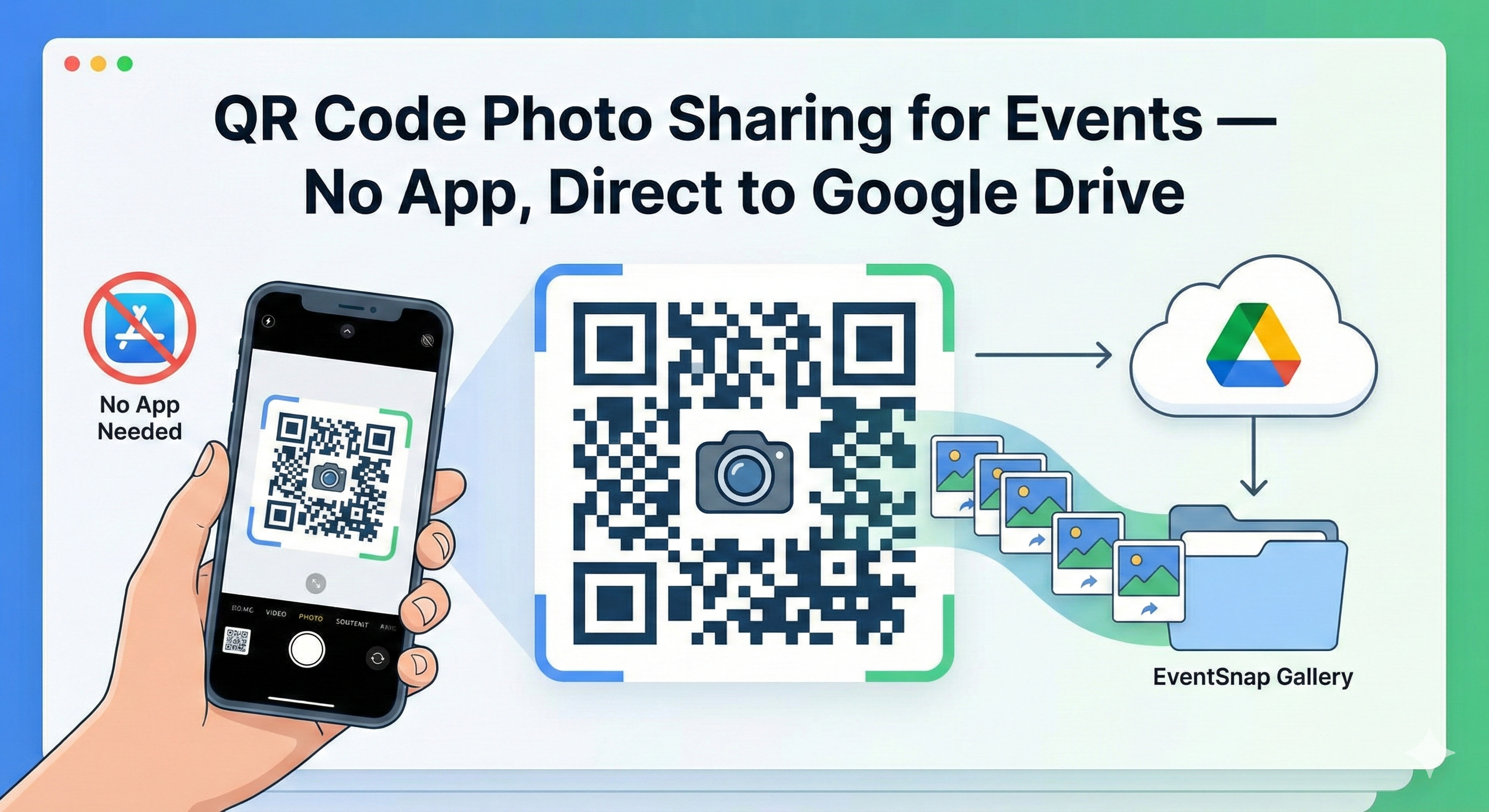
Turn every event guest into a contributor with a single QR code. Guests scan with their phone camera, upload photos & videos, and everything lands directly in your Google Drive. No app downloads. No guest accounts. The simplest way to collect event photos.
Asking guests to download an app kills participation. QR codes remove all friction.
No app store. No download. No signup. Guests scan the QR code with their existing phone camera and start uploading in seconds. That's it.
Tech-savvy teens and grandparents alike — if they can point a camera, they can participate. QR code scanning is built into every modern phone.
App-based solutions see 20-40% participation. QR code sharing regularly hits 80%+ because there's nothing to install or configure.
Unlike other QR photo sharing platforms, EventSnap sends files directly to your personal Google Drive. No third-party storage, no expiring galleries.
Customize your QR code colors, add your logo, and choose corner styles. Match it to your wedding theme, corporate brand, or party vibe.
No compression, no downsizing. Every photo and video arrives in its original full resolution — ready for prints, albums, and social media.
Three steps. Under 30 seconds to set up.
Sign in with Google and create an event. Your unique, customizable QR code is generated instantly — ready to print or display.
Print on table cards, invitations, event badges, or display on screens. You can also share the upload link via text, email, or WhatsApp.
Guests point their phone camera at the QR code. A mobile-friendly upload page opens — they pick photos and tap upload. Done. Everything arrives in your Google Drive.
One tool, endless possibilities.
Collect every guest's perspective of your big day. Learn more →
From first birthdays to milestone celebrations. Learn more →
Conferences, team retreats, product launches. Learn more →
Get everyone's photos in one place. Learn more →
Capture the day from every angle — proud parents, friends, and classmates all contributing.
Crowd-source amazing photos from your audience and attendees.
QR code photo sharing lets event guests upload photos and videos by scanning a QR code with their phone camera. No app downloads, no accounts — just scan, select photos, and upload. It's the fastest way to collect crowd-sourced photos.
Sign up for free on EventSnap, create an event, and your unique QR code is generated automatically in under 30 seconds. You can customize colors and add your logo.
Yes! Asking guests to download an app reduces participation dramatically. With QR code sharing, there's zero friction — scan and upload from the browser.
With EventSnap, all uploads go directly to YOUR personal Google Drive. We never store files on our servers — your memories are yours forever.
Yes! Customize colors, add a logo, and choose corner styles (square, rounded, or dots) to match your event branding.
Free to create. No credit card required.
📲 Create Your Event QR Code — Free