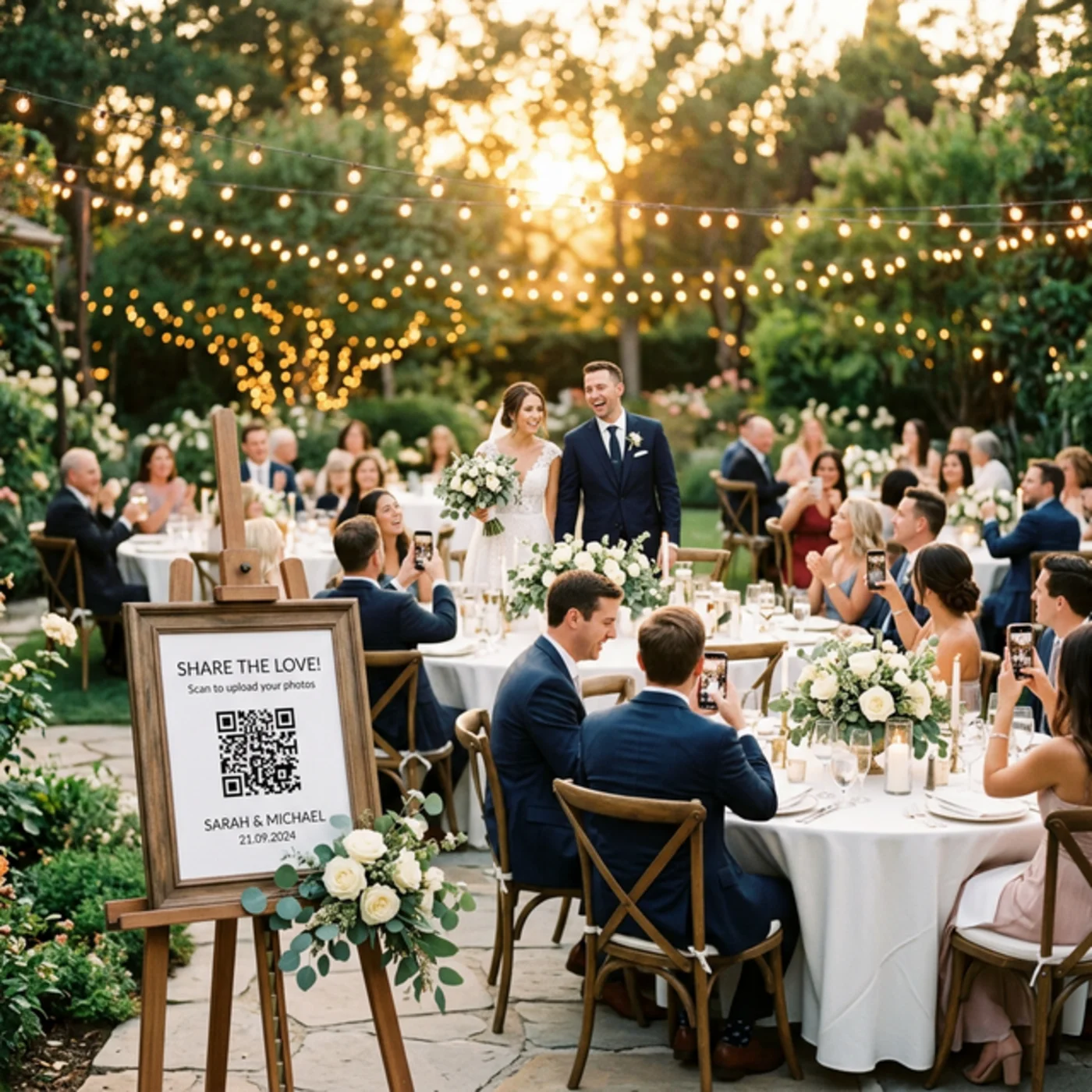
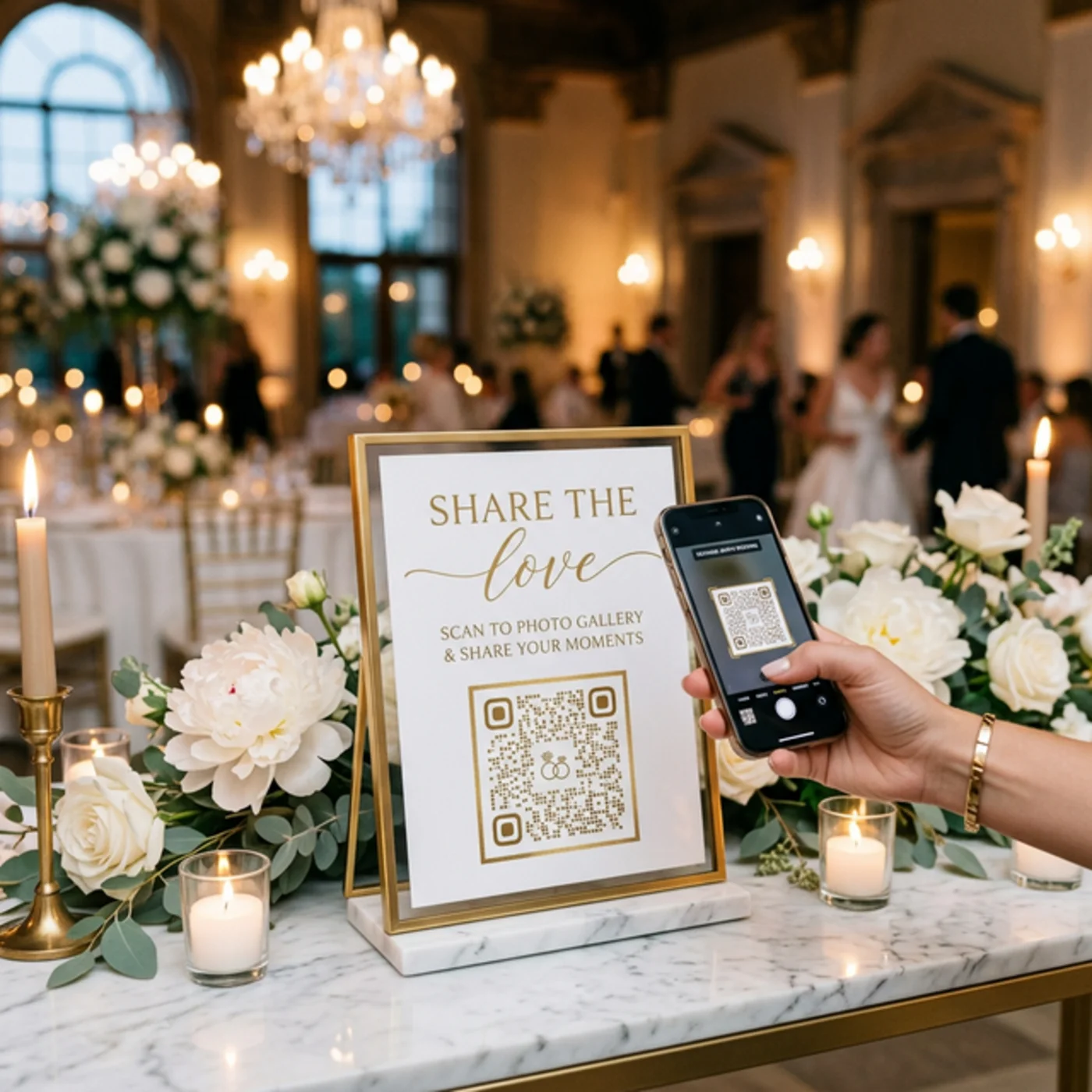
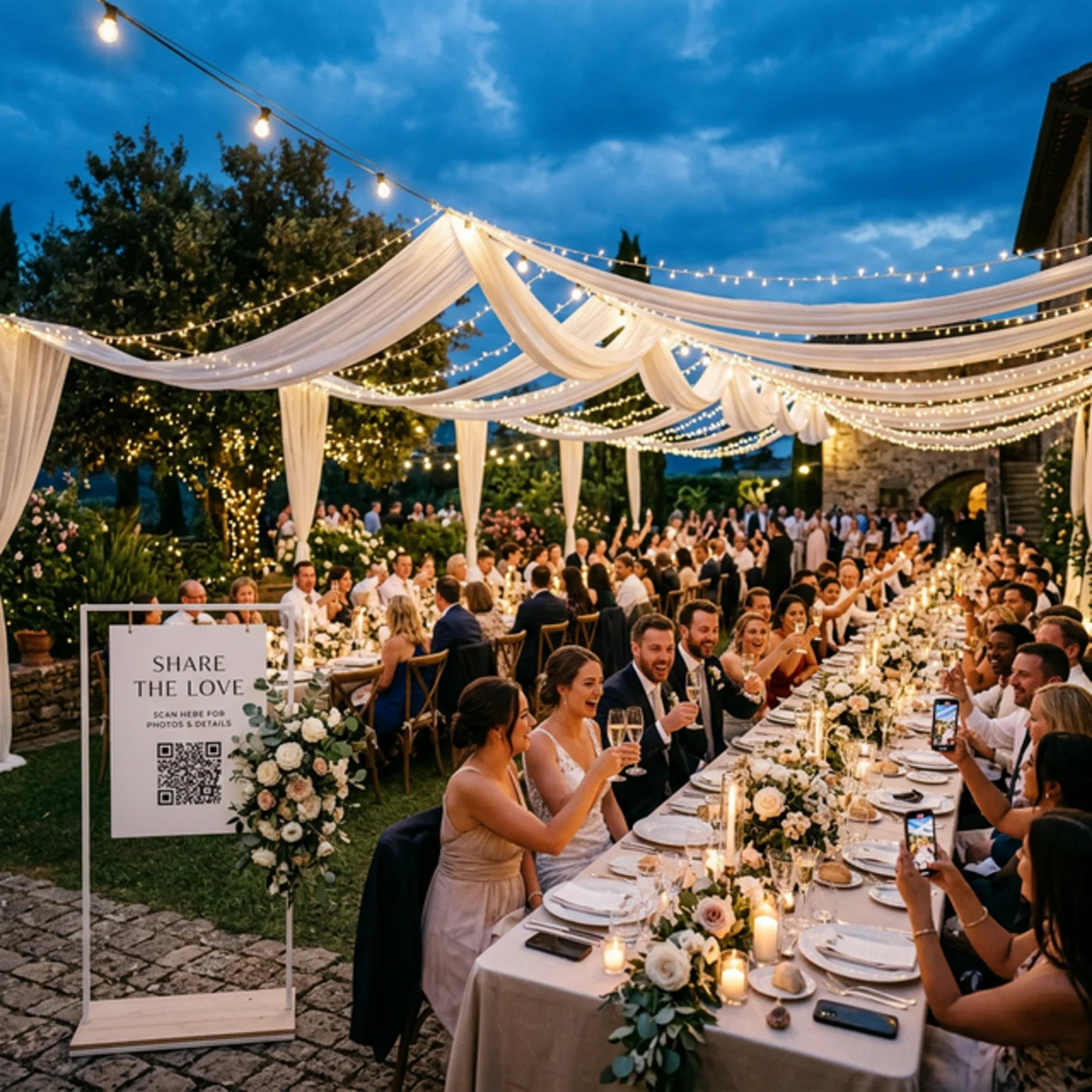
Your guests scan a QR code, upload their best moments, and every full-resolution photo & video lands directly in your Google Drive. No app to download. No logins. No expiring galleries. Don't rent your wedding memories — own them.
Get every guest's perspective of your big day — without the hassle of apps, group chats, or social media.
Grandma, your college friends, the kids — everyone can participate. Just scan the QR code and upload. If they can take a selfie, they can use EventSnap.
Unlike other wedding photo apps that hold your photos hostage, EventSnap sends everything straight to your personal Google Drive. Your photos. Your control. Forever.
No compression, no downsizing, no watermarks. Every photo arrives in its original full resolution — perfect for prints, albums, and enlargements.
Guests can upload videos up to 1GB — capture the first dance, the speeches, the candid moments. All in full HD, directly to Drive.
Keep your wedding photos private. Set a password so only your invited guests can access and upload to your event.
Let guests leave heartfelt messages alongside their photos. A digital guestbook you'll treasure alongside your wedding album.
Set up takes under 60 seconds. Seriously.
Sign in with Google, name your event "Sarah & Tom's Wedding," and get an instant QR code + upload link.
Put QR codes on table cards, the welcome sign, cocktail napkins, or project it on a screen. Get creative!
Guests point their phone camera at the QR code, tap the link, and upload their photos and videos. No app, no signup.
All photos land in a dedicated Google Drive folder. View them during the reception on a live slideshow, or enjoy them for years to come.
You create a free event on EventSnap, print the QR code on table cards or display it on a screen. Guests scan it with their phone camera — a mobile upload page opens instantly, no app download needed. They pick photos or videos and tap upload. Everything lands directly in your Google Drive folder.
No! Guests simply scan the QR code with their phone camera and upload directly from their browser. No app downloads, no signups, no accounts needed. Works on any phone — iPhone, Android, any browser.
All photos and videos go directly to YOUR personal Google Drive. We never store your files. A dedicated folder is automatically created for your wedding. Your memories are yours forever — no expiring galleries.
With the free Starter plan, up to 50 uploads. With the Single Event plan ($9.99), uploads are unlimited — guests can share as many photos and videos as they want, up to 1GB per file, in full original resolution.
Yes! The Starter plan is completely free — no credit card required. It includes 1 event, up to 50 uploads, a QR code, and direct Google Drive sync.
Unlike most wedding photo apps that store photos on their servers and charge ongoing fees, EventSnap sends everything directly to your Google Drive. You own your photos forever — no expiring galleries, no data mining, no per-guest fees.
Set up in under 60 seconds. Free to start — no credit card needed.
💍 Create Your Wedding Event — Free