 📸 Master Guide
QR Code Best Practices for Events 2026: Design, Placement, Signage & Maximizing Uploads

Quick Answers: QR Code Events Guide 2026
How do QR codes work for event photo sharing?
Print a unique QR code and display it at your event. Guests scan with their phone camera, which opens an upload page. They select photos and videos, and everything goes directly to your Google Drive. No app required.
What types of events work with QR code photo sharing?
QR codes work for any event: weddings, corporate events, birthdays, baby showers, family reunions, and memorial services. Any event where you want to collect guest photos without requiring app downloads.
Imagine spending months planning every detail of your wedding, corporate retreat, or milestone birthday, only to wake up the next day and realize you barely have any photos. Most events collect fewer than 100 photos from a crowd of 150 guests-and the culprit is rarely a lack of enthusiasm. More often than not, it's because your QR code photo sharing setup was either completely overlooked, poorly designed, or hidden away in an unlit corner.
In the digital age, guests are more than happy to double as your unofficial event photographers. They are already capturing candid laughs, spontaneous dance-offs, and heartfelt cocktail conversations on their smartphones. The challenge isn't getting them to take photos; the challenge is getting them to share those photos with you. If your QR code is too small, your signage doesn't give clear instructions, or guests are prompted to download a clunky third-party app, they will inevitably abandon the process. Nobody wants to be the tech support desk at their own party.
Welcome to the ultimate guide covering QR code best practices for events 2026. As event tech evolves, expectations for a seamless guest experience are higher than ever. In this comprehensive breakdown, we will cover everything you need to know to ensure your event's photo sharing is a resounding success. We'll dive deep into designing a QR code that scans instantly from across a table, strategic map placements that maximize visibility without ruining your aesthetic, and eye-catching signage ideas that actually compel guests to take action. Finally, we will share proven psychological triggers and event-day strategies that can boost your total photo uploads 3 to 5 times over.
For a flawless, privacy-first solution, thousands of hosts are turning to platforms like EventSnap. With EventSnap's instant QR generation, you get a custom code in seconds. Even better, it embraces a No App Required philosophy, meaning guests scan your code and send full-resolution photos & videos direct to your Google Drive. It's instant setup, zero friction, and maximum memories.
Let's dive into how you can design the perfect QR code experience.
Section 1: QR Code Design Best Practices (2026 Standards)
A QR code is essentially a digital barcode. If it isn't designed properly, the camera lens on a guest's phone simply won't be able to read it. In 2026, camera technology has improved significantly, but the fundamental rules of scannability remain paramount. Designing the perfect QR code means balancing your event's visual branding with strict technical requirements. If a guest has to try scanning three times, they will give up.
Size Rules and the "10:1" Scanning Ratio
The biggest mistake hosts make is printing a QR code so small that guests have to hover their phones inches away to get a reading. Nobody wants to awkwardly lean over Aunt Martha's plate during dinner just to scan a code.
- Minimum Base Size: For table cards and intimate placements, never print a QR code smaller than 2x2 inches (5x5 cm). Anything smaller risks being unreadable by older smartphone models.
- The 10:1 Rule: A standard rule of thumb for 2026 is the 10:1 ratio. This means your QR code's size should be at least one-tenth of the estimated scanning distance. If a guest is expected to scan a welcome poster from 40 inches away, the QR code on that poster must be a minimum of 4x4 inches. For large digital screens or projection walls where guests might be 100 inches away, err on the side of going even bigger (10x10 inches).
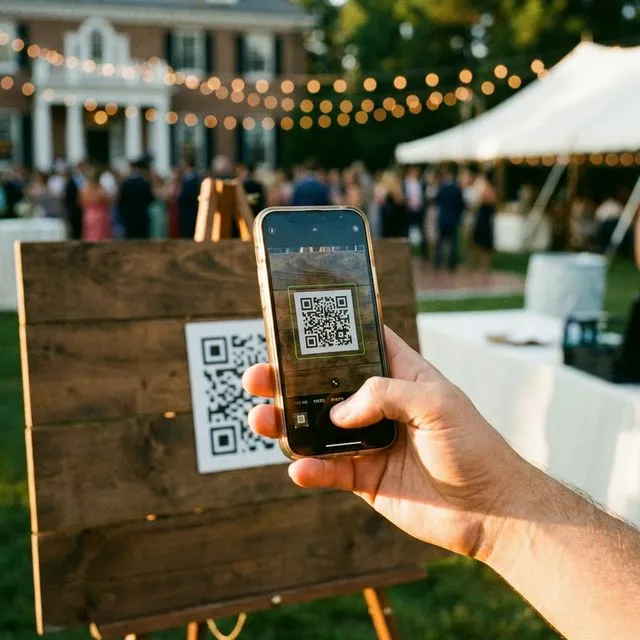
Ensure your QR code has a dark pattern on a light background for instant scannability.
High Contrast and Color Considerations
While standard black-and-white QR codes can feel a bit sterile for an elegant wedding or a vibrant corporate party, you must maintain high contrast to ensure quick scanning.
- Dark on Light: Always use a dark color for the data modules (the little squares that make up the code) and a light, plain color for the background.
- What to Avoid: Avoid busy background patterns, subtle gradients, and pastel-on-pastel combinations. A dark navy blue, forest green, or deep burgundy code on a crisp white or cream background works beautifully. Never invert the colors (putting a white QR code on a dark background), as many older smartphone cameras struggle to process inverted codes.
Avoid Reflective Materials
Avoid printing your QR code on glossy, reflective foil or placing it behind heavily glaring glass framing. When a camera flash hits reflective foil-or when overhead venue lights bounce off cheap glossy paper-the QR code becomes an unreadable white blob to a phone sensor. Stick to matte finishes for all your print materials.
Customization and Branding
Adding a personal touch to your QR code is a great way to elevate your event's branding. You can incorporate your wedding monogram, corporate logo, or event colors directly into the graphic.
However, keep the finder patterns-the three large squares in the corners of the code-clean and unaltered. These are the anchors that tell a smartphone camera where the code is and how it is oriented. If you obscure them with a logo, the code will break.
EventSnap auto-generates clean, scannable QRs that are rigorously tested to work on almost any device, taking the guesswork out of customization. Your code will look great while maintaining flawless technical accuracy.
Error Correction Levels
QR codes have built-in error correction algorithms designed to keep them readable even if they get dirty, scratched, or slightly covered. For event print materials, you should always aim for a Medium-High (Q or H) error correction level. This allows up to 25-30% of the code to be damaged or obscured (say, by a spilled drop of wine on a table setting or a slight print error) while still scanning flawlessly.
The Golden Rule: Test Before You Print
Never send your designs to the printer without doing a real-world test. A print run of 150 table cards is expensive, and realizing they don't scan on the day of the event is a nightmare.
- Test Multiple Devices: Test the digital file on both newer and older iPhone and Android models.
- Mimic Lighting Conditions: Dim the lights in your room to mimic a reception hall or corporate dinner, and test the code from your phone screen.
- Distance Check: Tape a printout of the code to a wall and practice scanning it from various distances to guarantee the 10:1 ratio works in practice.
Section 2: Strategic Placement to Maximize Visibility & Scans
You can have the most beautifully designed QR code in the world, but if guests don't see it, it doesn't matter. Strategic QR code placement for events requires thinking about the natural flow of foot traffic and identifying moments when your guests have idle time.

Don't rely on just one sign at the entrance. Spread 5-10 touchpoints throughout the venue.
Start Strong at the Entrance and Welcome Area
First impressions are everything. The entrance or welcome area is where guests are most attentive. Placing a large, beautifully framed welcome poster with a clear QR code sets the expectation immediately. It tells guests right away: "We want your photos!" This primes them to start snapping and saving their best shots from the moment they walk through the doors.
The Power of Table Placements
During a seated dinner, guests have a captive 45 to 90 minutes. This is your prime window for capturing uploads.
- Weddings and Formal Dinners: Place at least one dedicated QR code table card on every single table. You can embed the code into the table number sign, the menu card, or provide an elegant acrylic standee.
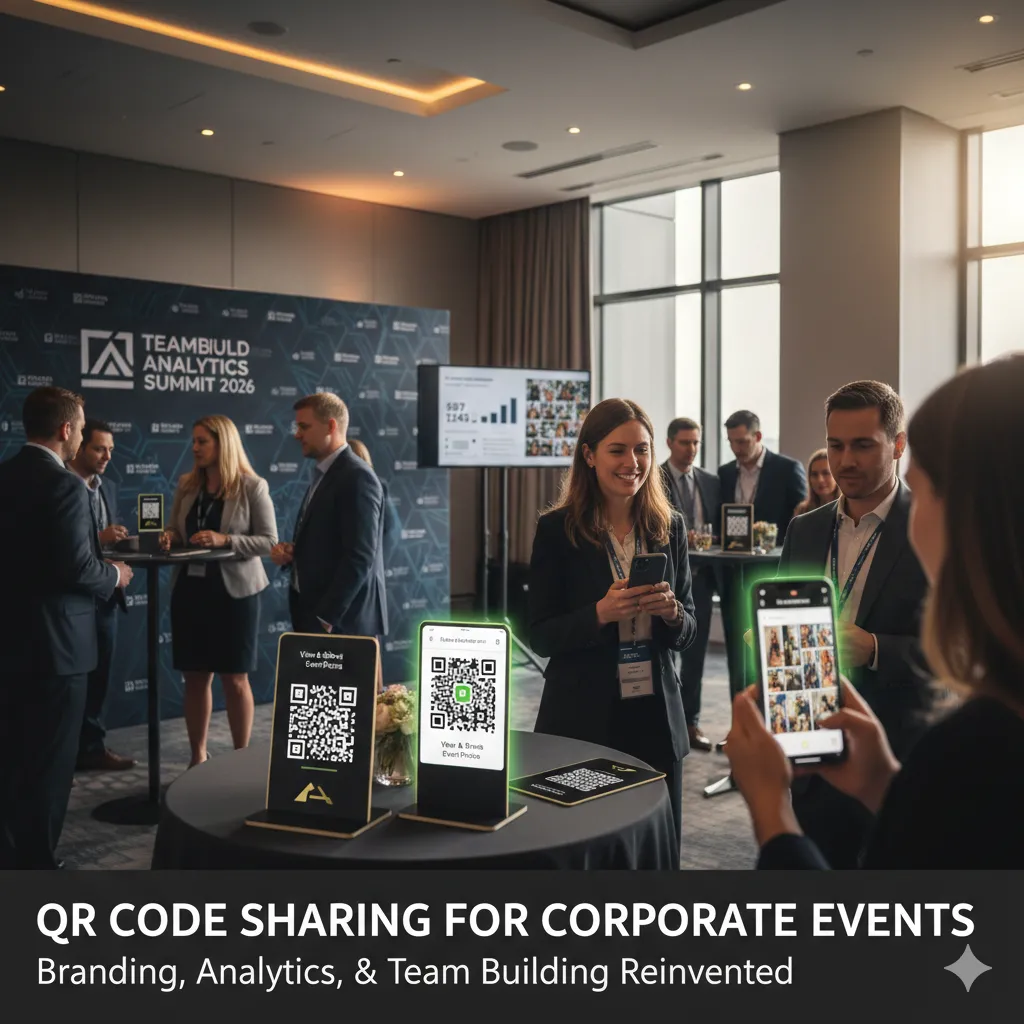
- Corporate Events: Integrate the QR code into the printed conference agenda or place it as a centerpiece on workshop tables.
By having the code physically within arm's reach during downtime, guests are highly likely to scan it while waiting for the next course or speaker.
High-Traffic Dwell Areas
Think about where lines form and where people linger. These are excellent, often-missed opportunities for placement.
- The Bar: Guests spend a surprising amount of time waiting for drinks. A small, water-resistant sign right at the bar, featuring a cheeky message like, "Take a shot, share your shots!" is incredibly effective.
- The Photo Booth: If you have a professional photo booth, place a QR code nearby. It reminds guests that they shouldn't just rely on the booth; their candid behind-the-scenes selfies belong in the shared album too.
- The Cake or Dessert Table: When people gather around to take pictures of the cake cutting or grab a dessert, a strategically placed sign ensures those sweet moments end up in your collection.
- Lounge Areas and Restrooms: It might sound unconventional, but restroom mirrors or lounge coffee tables are fantastic places for a subtle, elegant sticker or sign. It catches guests during a quiet, captive moment away from the loud music.
Height & Accessibility Requirements
Make sure your large signage is placed at eye-level (around 4 to 5 feet off the ground) so guests don't have to crouch down or reach up awkwardly. Furthermore, ensure the physical signs can be approached closely. Don't hide a QR code behind a roped-off barrier or a large floral arrangement that physically blocks a smartphone from getting within scanning distance.
The Rule of Multiplicity: 5 to 10 Touchpoints
Do not rely on a single QR code placement. If you only have one sign by the door, guests will walk past it and forget about it an hour later. To maximize guest photo uploads, you need to create an omnipresent (yet tasteful) network of prompts. Aim for 5 to 10 different touchpoints throughout the venue.
Indoor vs. Outdoor Considerations
If you are hosting a garden wedding, a beach party, or an outdoor corporate retreat, weather and sunlight are major factors.
- Glare Control: The sun's glare on a glossy sign will render a QR code absolutely unscannable. Always use a thick, matte finish for outdoor signage.
- Durability Matters: Use waterproof or laminated materials for any outdoor elements, especially if they are placed near drink stations or uncovered tables subject to evening dew or spilled beverages.
- Curved Surfaces: Avoid wrapping your QR code around curved surfaces (like custom wine bottles or cylindrical vases), as the wrapping distorts the pixels. Always place the code on a flat, even surface.
Section 3: Signage Ideas That Actually Get Scanned
A QR code on a blank sheet of paper won’t inspire anyone to pull out their phone. The signage framing the code is what actually drives the conversion. Earning those scans requires clear messaging, an enticing call-to-action (CTA), and a design that complements your event's theme perfectly.
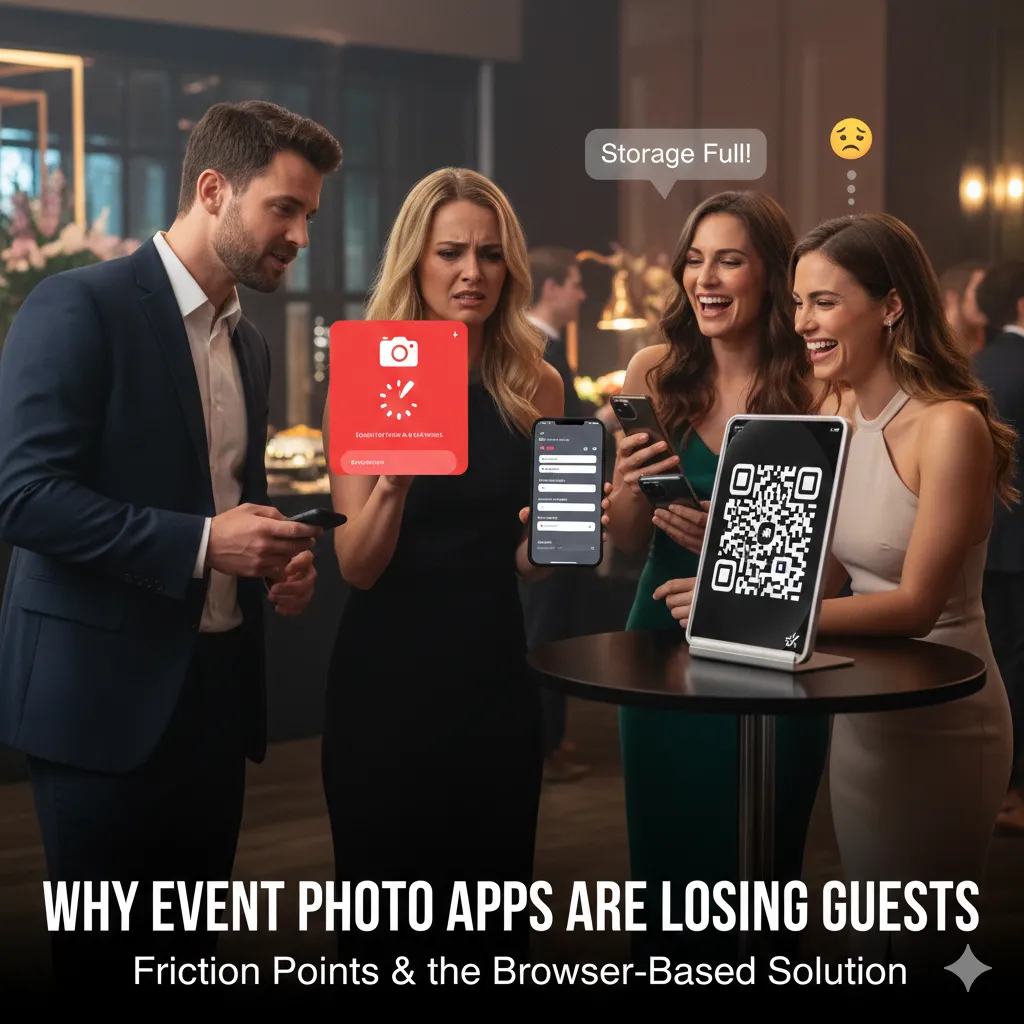
Elegant acrylic table signs are a fantastic way to display your QR code without ruining the tablescape.
Popular Signage Types
The format of your signage will dictate how much attention it grabs. In 2026, the best QR code signage for events comes in several stylish forms:
- Elegant Framed Table Cards: Small 5x7 or 8x10 gold or wooden frames placed at key areas like the guestbook table or the bar.
- Acrylic Table Top Stands: Clear or frosted acrylic blocks with the QR code and text printed directly onto them. These offer a modern, sophisticated look that blends seamlessly with any decor.
- Menu and Program Inserts: Slipping the QR code on the back of the ceremony program or at the bottom of the dinner menu ensures every single guest holds it in their hands.
- Large Welcome Posters: Large A1 or A2 foam boards displayed on an easel at the entryway.
- Digital Screen Slideshows: If your venue has TVs or a projector, display the QR code in the corner of a looping photo slideshow. It acts as a live prompt for guests to actively contribute to the screen.
- Photo Booth Backdrops: Embedding a scannable code directly into a step-and-repeat banner or a floral wall guarantees visibility.
Crafting the Perfect Copy
Your messaging must be punchy, clear, and reassure guests. They need to know what they are doing, why they are doing it, and how easy it will be.
Clear Call-To-Action (CTA):
- "Scan to Share Your Photos! 📸 We Want Every Moment!"
- "Add Your Pics & Videos – Straight to Our Album!"
- "Help Us Capture the Night! Scan to Upload."
The Reassurance Factor:
The biggest barrier to guest participation is the dread of downloading an app or creating a new account. You must neutralize this objection instantly on your signage.
- "No App Needed – Just Scan & Upload!"
- "Works instantly on any phone browser!"
The Incentive:
Give them an emotional or playful reason to participate.
- "Your photos become part of our forever gallery!"
- "Be our unofficial photographer for the night!"
Including Simple Instructions
Not everyone is tech-savvy. For the benefit of older relatives or less technical attendees, concisely outline the steps right beneath the code:
- Open your camera app.
- Point at the code.
- Tap the link and upload your favorites!
Affordable and Stylish Implementation
You don't need a massive budget for great signage. You can easily find beautiful, customizable Canva templates online, or purchase affordable, pre-made designs from Etsy creators. Simply download your high-quality, auto-generated QR code from EventSnap, drop it into your favorite template, and print it at a local print shop or on high-quality cardstock at home.
When you use an elegant solution like EventSnap, you are backed by a system specifically designed to remove user friction. Instead of explaining a complicated app download process on your signage, your signs can stay clean, elegant, and focused entirely on the celebration.
Section 4: Proven Ways to Maximize Guest Uploads
You have a flawless 2026-standard QR code design and an array of beautiful signs placed strategically around your venue. How do you take your upload numbers from average to extraordinary? Achieving 50% to 80% guest participation requires active, real-time engagement and a totally frictionless digital experience.
For an in-depth dive on massive upload yields, read our related guide on How to Collect 500+ Photos at Your Wedding (Zero Apps).
A simple announcement from the DJ or MC can triple your total photo uploads.
Verbal Announcements are Vital
Signage relies on guests paying attention to their surroundings, but a microphone commands the room. Have your MC, DJ, or event host make dedicated announcements about the photo sharing setup.
- The Welcome: "Before we get started, please note the QR codes on your tables. We want to see this party from your perspective!"
- The Reminders: Have the DJ drop a quick reminder during peak moments. "The dance floor is officially open! Make sure you share all your crazy photos and videos to the QR code at the bar!"
Gamification and Incentives
People love a little friendly competition. Gamifying the photo upload process is a phenomenal way to encourage guests to empty their camera rolls.
- Create a scavenger hunt prompt: "First table to upload 20 photos wins a round of shots!"
- Announce a prize: "Best dance floor action shot uploaded tonight wins a $50 Starbucks gift card!"
- Corporate Raffles: At corporate events, tie uploads to a raffle entry: "Upload a picture with a colleague from another department to enter the grand prize draw."
Timing Your Reminders
Don't blow all your announcements in the first hour. Pace your reminders to coincide with the event's natural peaks. Remind guests during cocktail hour when the vibe is relaxed and camera-heavy, and again after the toasts when the energy shifts toward the dance floor.
Provide a Frictionless Guest Experience
If a guest scans your code and is hit with a login screen, forced to verify an email, or prompted to download an app from the App Store, you instantly lose 80% of them. In 2026, guests expect instantaneous interaction.
This is where the platform you choose makes all the difference. EventSnap’s magic lies in its No App Required approach. Using a mobile-optimized webpage, guests simply scan, tap, and bulk-select their files. EventSnap supports fast drag-and-drop mechanics and uploads full-resolution photos & videos direct to your Google Drive. When the software gets out of the way, the uploads pour in.
Check out exactly how our platform works in our How to Collect Wedding Guest Photos with QR Code guide.
Track Progress and Share the Hype
People are naturally social creatures; if they see others participating, they want to join in. Use EventSnap’s real-time dashboard to monitor your upload progress. Have your DJ announce milestones: "We just crossed 200 photos uploaded-let's see if we can hit 500 by midnight!" Displaying a live slideshow of the uploads on a projector also serves as a massive catalyst, as guests actively try to get their latest selfies onto the big screen.
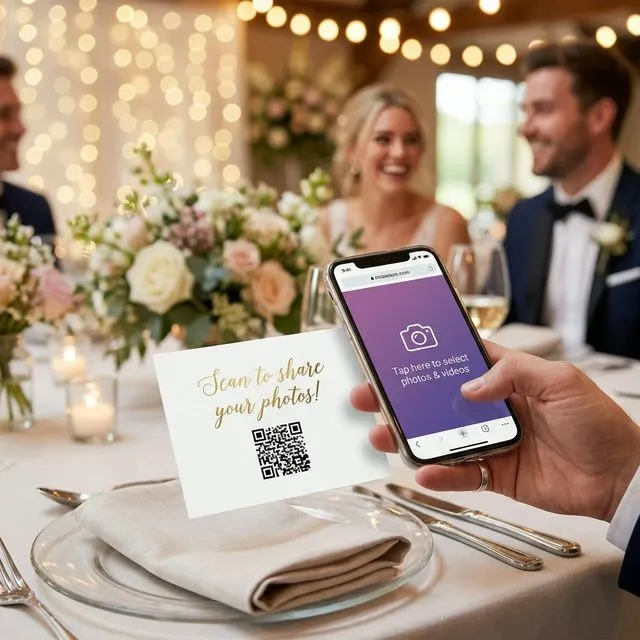
When you use a No App solution like EventSnap, uploading is so fast it won't interrupt the party.
FAQ Section
What size should my QR code be for an event table?
For table cards, the absolute minimum size is 2x2 inches (5x5 cm). If in doubt, apply the 10:1 rule: your code should be 1 inch wide for every 10 inches of distance between the scanner and the sign.
Why won't my printed QR code scan?
The most common reasons are poor contrast (e.g., light code on a light background), a printed size that is too small, printing on a glossy reflective surface that catches light glare, or placing a logo directly over the crucial corner finder patterns.
How many QR code placements do I really need?
For a standard event of 100-150 people, aim for 5 to 10 placements. A great rule of thumb is one on every dining table, one large welcome sign, and a few scattered across high-dwell areas like the bar and photo booth.
Can I customize the QR code with my wedding colors?
Yes! You can absolutely use brand or theme colors. Just ensure the code itself is a significantly darker color than the plain background it sits on. Dark blue, forest green, or burgundy work beautifully.
How can I boost low photo uploads during the event?
If your numbers are low, have your DJ or MC make a live announcement reminding guests to scan the table codes. Emphasize that there is "No App Required!" to remove the assumption that it will be a tedious process.
Is it secure to let guests upload via QR code?
Yes, especially when using a privacy-first platform like EventSnap. Guests only have access to upload directly into your private Google Drive folder-they cannot browse, delete, or snoop through your other files. Your memories remain completely within your control.
Conclusion
Harnessing the power of guest photography doesn't have to be a frustrating guessing game of text chains and social media hashtags. By following these QR code best practices for events in 2026-mastering the scannability of your design, strategically mapping out your venue placements, utilizing engaging signage, and removing all technical barriers-you can effortlessly curate an incredible gallery of crowdsourced memories.
When you prioritize a frictionless guest experience, everybody wins. Your guests enjoy a hassle-free way to contribute, and you wake up to a treasure trove of candid, heartfelt moments.
Ready for hassle-free, full-resolution memories? Create your event and get your custom QR in under 30 seconds at eventsnap.co - start with our free Starter plan forever and capture every moment exactly as it happens.
Create your event in 30 seconds
Free forever plan. No app required. Direct to Google Drive.
🚀 Get Started FreeWant to build your own aesthetic QR Code?
Avoid expired links and scaling issues. Read our definitive generation guide:
The Ultimate Step-by-Step Generation Guide (2026)