 🍼 Baby Shower Guide
Baby Shower QR Code Photo Sharing: Collect Every Guest Photo Straight to Google Drive (No App Needed)
Baby showers are magical — the tiny onesies, the guessing games, the happy tears, the belly laughs. These are the moments you’ll want to relive for years.
Yet every host faces the same frustration: guests snap dozens of beautiful photos and videos… then most of them never make it to you. Group chats get chaotic, images arrive compressed, and videos are too big to send.
The solution that thousands of parents are now using? Baby shower QR code photo sharing that sends every file straight to your personal Google Drive — full resolution, instantly organized, completely private.
With EventSnap, setting it up takes under 30 seconds and guests love how easy it is. Here’s the complete guide.
Table of Contents
Why Baby Shower QR Code Photo Sharing Beats Group Chats
Traditional ways fail because:
- Photos arrive compressed and low-quality
- Videos rarely send at all
- Everyone has to be in the same chat
- Finding photos later is a nightmare
With a dedicated baby shower QR code:
- ✅ Full-resolution photos & videos up to 1 GB
- ✅ Anyone with a phone camera can participate (no app, no account)
- ✅ Everything lands in one clean Google Drive folder — yours forever
- ✅ Takes guests just 12–15 seconds
How to Set Up Baby Shower QR Code Photo Sharing in 30 Seconds
1. Create your free EventSnap account
Sign in with Google at eventsnap.co. Your photos will go directly into your personal Google Drive.
2. Create the event
Name it “Emma’s Baby Shower 🍼” or “Baby Lopez is Coming!”. EventSnap instantly creates the Drive folder and generates your unique QR code.
3. Print or display the QR code
Add a sweet note: “Help us capture the love! Scan to share your photos 📸”
Best Places to Display Your QR Code (Get 2–3× More Photos)
- The gift table (guests are already taking pictures of presents)
- Dessert/cake station
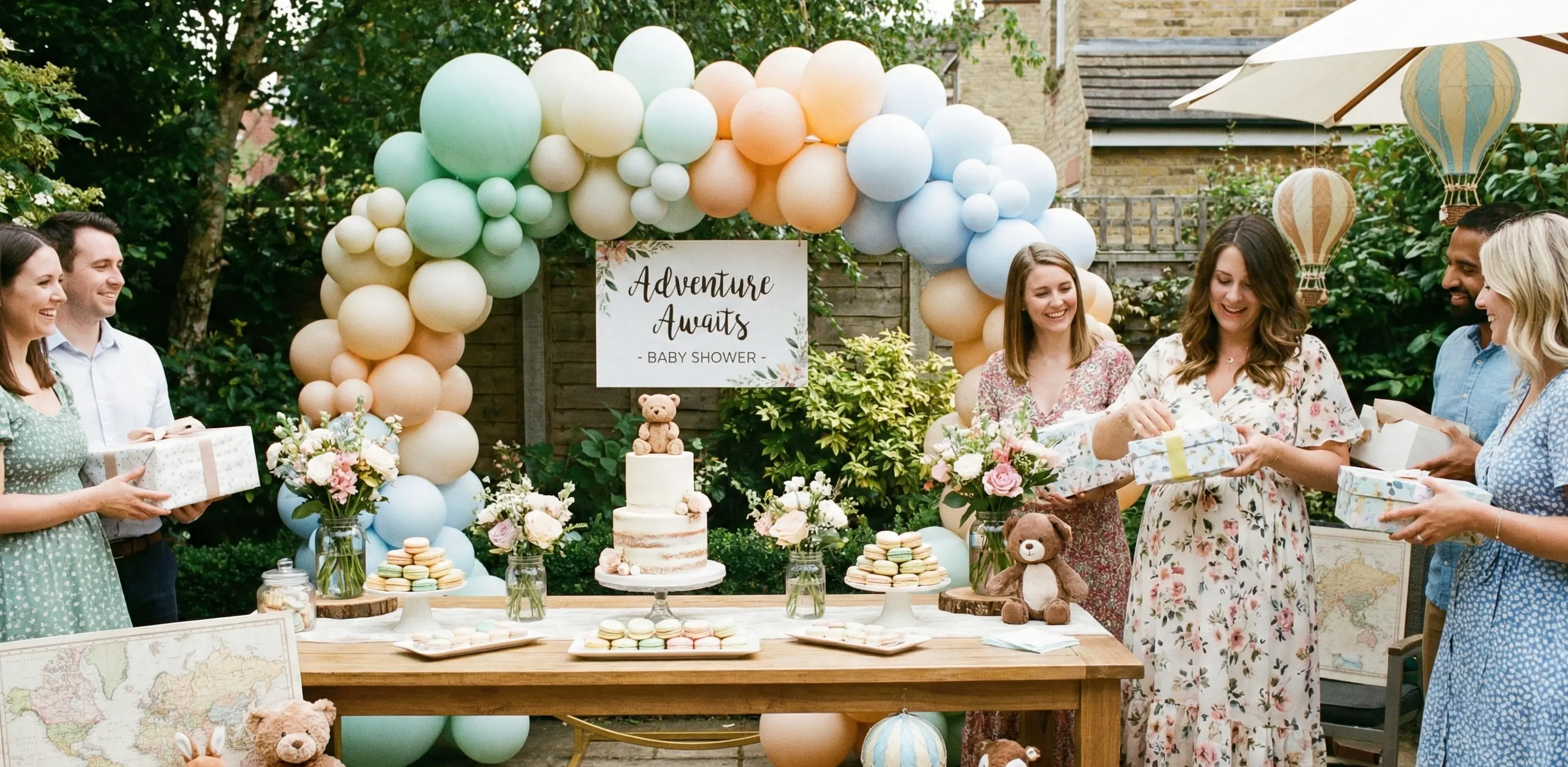
- Photo backdrop or balloon arch
- Every table place setting (small cards look adorable)
- Entrance / welcome sign
- Games area
Creative Baby Shower Photo Prompts for Guests
Give guests inspiration with a small printed card:
- Side-by-side belly shot with the mom-to-be
- The tiniest or funniest gift
- Funniest game reaction face
- Write your baby name guess on a card and selfie with it
- Close-ups of the beautiful decorations
- Multi-generation family photos
- “Frame the bump” with a picture frame prop
- Guests holding a “Team Girl” or “Team Boy” sign (for gender reveals)
Bonus Features Guests Love
Digital Guestbook
Guests can leave heartfelt messages, advice, or funny stories alongside their photos — all saved together in your Drive.
Live Slideshow During the Shower
Connect a laptop or TV and watch photos appear in real time. It creates incredible energy and encourages even more uploads!
EventSnap vs Group Chat vs Other Photo Apps
| Feature | Group Chat | Other Apps | EventSnap |
|---|---|---|---|
| Full resolution | ✘ | ✘ | ✓ |
| Video support | ✘ | Limited | ✓ up to 1 GB |
| No app required | ✘ | ✘ | ✓ |
| Stores in YOUR Google Drive | ✘ | ✘ | ✓ |
| Privacy (zero retention) | Medium | Low | Maximum |
| Cost for one event | Free | $15–$49/mo | $9.99 one-time or Free Starter |
Frequently Asked Questions
Is EventSnap really free for baby showers?
Yes! Free Starter plan = 1 event, up to 50 uploads.
Ready to Capture Every Sweet Moment?
Your baby shower happens only once. Don’t let the best photos stay trapped on guests’ phones.