


No apps to download. No hidden storage fees. Guests scan your QR code, upload photos & videos, and full-resolution memories land safely in your personal Google Drive. Don't rent your memories. Own them.
They're scattered across 50 phones. A few made it to a group chat. Most will be forgotten by tomorrow.
EventSnap fixes this in 30 seconds. One QR code. Every photo. Straight to your Google Drive.
Everything you need to collect event media, nothing you don't.
Guests just scan the QR code with their phone camera. Works on any device, any browser.
Files upload straight to your own Google Drive folder. Zero storage on our servers.
Create an event and get your QR code in under 30 seconds. Print it, display it, share it.
We never store your files. Everything goes directly to your Google Drive with your permissions.
See upload counts, file sizes, and activity logs for each event from your dashboard.
Guests see a stunning, mobile-optimized upload page. Drag, drop, done.
Real couples and event planners who used EventSnap
"We had 247 photos from our wedding guests in our Google Drive before we even left the venue. No app downloads, no confusion — just QR codes on the tables. Absolute game-changer!"
"I plan corporate events for a living and I've tried every photo-sharing tool out there. EventSnap is the only one where I actually own the files and don't pay per-guest. My clients love it."
"We used EventSnap for our family reunion and every single guest figured out the QR code instantly — even the least tech-savvy relatives. All 300+ photos landed in my Drive with zero hassle. Never going back to group chats!"
Three simple steps to collect every photo and video from your event.
Connect your Google account and create an event. We auto-create a Drive folder for you.
Download your unique QR code. Print it on table cards, display it on a screen, or share the link.
Guests scan the code and upload photos/videos right from their phone. Files land in your Drive instantly.
All uploads are in your Google Drive. View, share, or download them anytime.
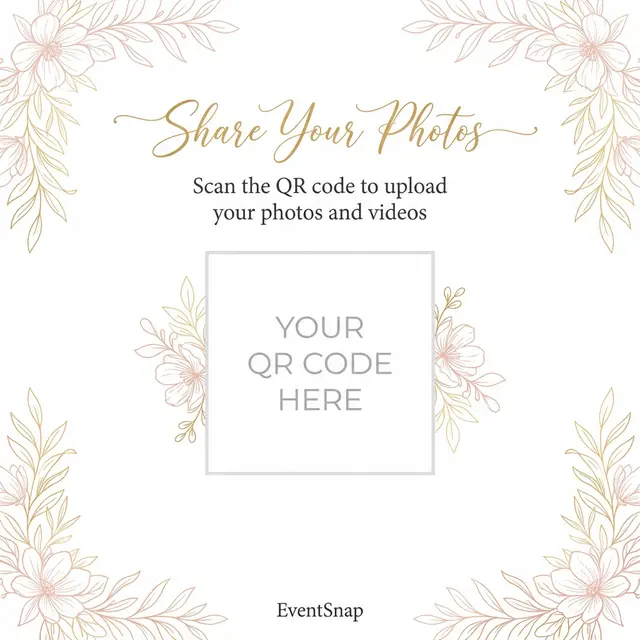
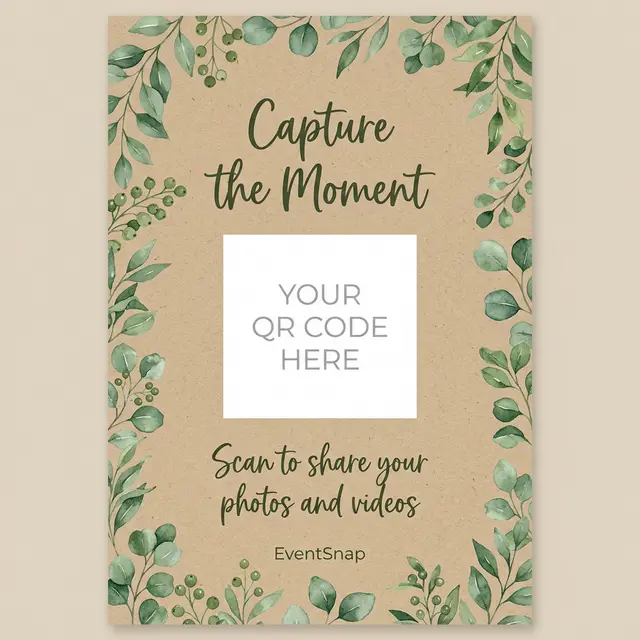
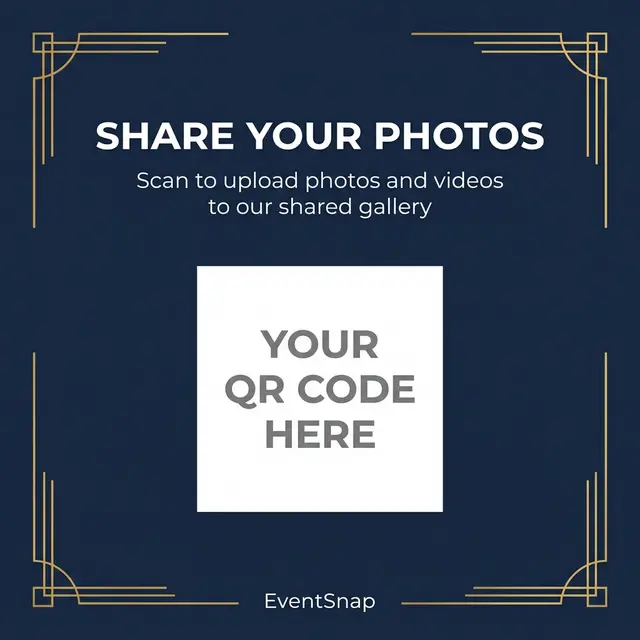
Download beautiful, print-ready table cards for your event. Paste your QR code, print, and you're set.
Watch how guests scan, upload, and your photos land in Google Drive — in seconds.
Yes! The Starter plan is completely free forever (up to 50 uploads). No credit card needed.
No — they just scan the QR code with their normal phone camera and upload from the browser.
Straight into a folder in YOUR personal Google Drive. We never store or see them.
You own everything — no expiring galleries, no per-guest fees, no middleman server. See full comparison →
Start free. Create your first event in under a minute.
🎉 Create Your First Event