 📈 Case Study
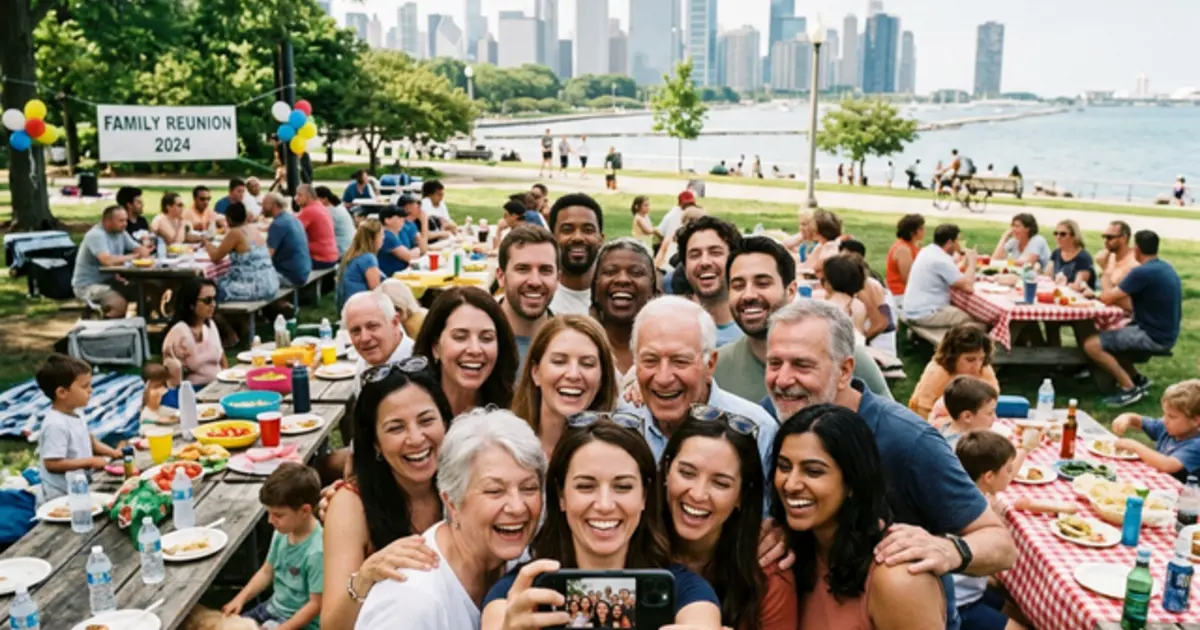
Connecting 3 Generations: How the Miller Family Shared 400 Photos at Their 50th Reunion

Quick Answers: Family Reunion Photo Sharing
How do you collect photos from a family reunion?
Use EventSnap QR codes placed at the main gathering area, food stations, and activity zones. Every family member can scan and upload photos to one shared Google Drive folder. No app download needed.
What is the best way to share family reunion photos?
A QR code system like EventSnap works best because attendees range from young children to elderly relatives. Scanning a QR code is simpler than downloading an app or joining a shared album.
Event Snapshot:
- Event Type: 50th Annual Family Reunion (Chicago, IL)
- Attendees: 150+ Family Members (Ages 6 to 88)
- Challenge: Finding a centralized way to collect photos that was simple enough for tech-averse grandparents but appealing enough for Gen Z cousins.
- Solution: EventSnap (Direct to shared Google Drive Album)
- Results: 418 photos integrated automatically, spanning 3 generations of uploads.
The Challenge: The Generational Technology Gap
Planning a massive family reunion is difficult enough without adding "tech support" to the organizer's to-do list. When Daniel K. took charge of planning the Miller family's 50th annual reunion in Chicago, he knew capturing the memories was a priority.
"In past years, the photos were a nightmare," Daniel explained. "My teenage nieces would put everything on Snapchat where it disappeared. The aunts would post compressed versions on Facebook. My dad would shoot on a digital camera and never email anyone the files. Everyone had a piece of the puzzle, but nobody had the full picture."
Daniel wanted a unified digital photo album. But he knew that asking his 80-year-old grandmother to download a new app, create an account, and remember a password was a recipe for frustration.
The Solution: The Power of the QR Code
Daniel chose EventSnap because of its "Grandparent-Friendly" design. EventSnap utilizes QR technology and native device browsers, creating the absolute lowest barrier to entry possible.
"I realized everyone, even my grandparents, learned how to scan a QR code at restaurants over the last few years. If they could read a menu, they could use this software," Daniel said.
Implementation: Bringing the Family Together
Daniel printed the EventSnap QR code onto large posters and placed them near the main buffet line and the entrance to the park pavilion. He linked the EventSnap account to a shared "Miller Reunion 2026" Google Drive folder.
Whenever anyone took a great shot-whether it was the annual sack race, the elders cutting the cake, or cousins catching up-they were encouraged by family members to just "scan the code." No accounts were created, and nobody forgot a password.
The Results: A Unified Digital Heirloom
The system worked flawlessly across all demographics. Following the weekend, Daniel had compiled a massive treasure trove of memories.
- Total Photos Uploaded: 418
- Participation: Uploads were traced back to dozens of different phone models, proving high engagement from various segments of the family.
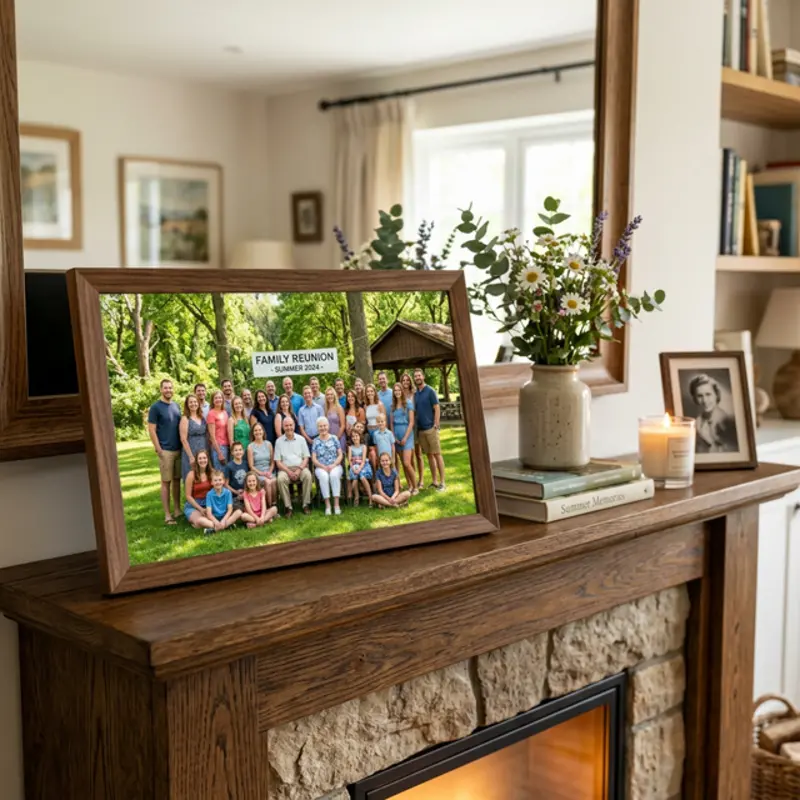
- Aftermath: Because the photos were gathered in a Google Drive folder, Daniel was easily able to connect a digital photo frame to the folder and gift it to his grandparents the following week.
"Every single guest figured out the QR code instantly - even the least tech-savvy relatives. All 400+ photos landed in my Drive with zero hassle. Never going back to group chats!"
Organizing a Family Gathering?
Don't let the photos stay trapped on individual phones. Reunite your memories with EventSnap.
Create Your Free EventWant to see more real-world results?
See how real events used QR code photo sharing to collect hundreds of guest photos:
View All 10 Case Studies & Data (2026)